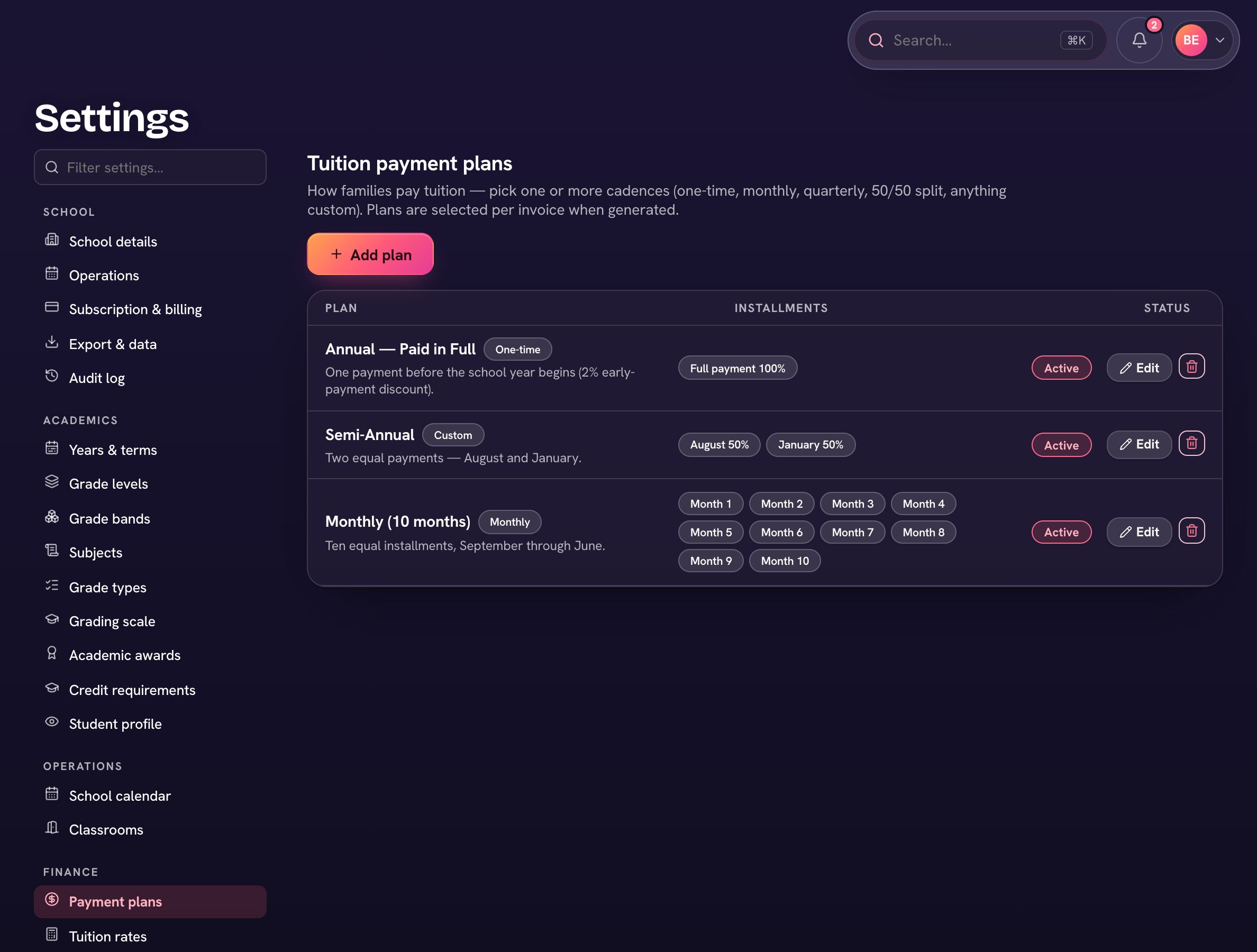
A payment plan spreads tuition across instalments. Create plans under Finance → Payment plans; families pick one when they accept an offer, or you set it on their family page. Invoices follow the plan's schedule.
- Open Finance → Payment plans and choose Add plan.
- Give it a Plan name and pick a Cadence: One-time, Monthly, Quarterly or Custom. Monthly asks for the months in the school year and the first payment.
- Check each instalment's Label, Percent and Due date (+ Add installment for more).
- Optionally tick Invoice these dates automatically and choose how many days before each due date the invoice is sent (14 by default).
- Choose Add plan. The page header shows how many students are on a plan and how many are unassigned.
To change a family's plan, open their family page and choose Billing → ⋯ → Edit tuition plan.