Communications
Add-on module · $0.35/student/mo· See pricingReach every parent where they are.
Announcements, direct messages, staff channels, and a daily digest—so even parents who never log in stay in the loop, and the office can see it all.
What's included
Everything in Communications.
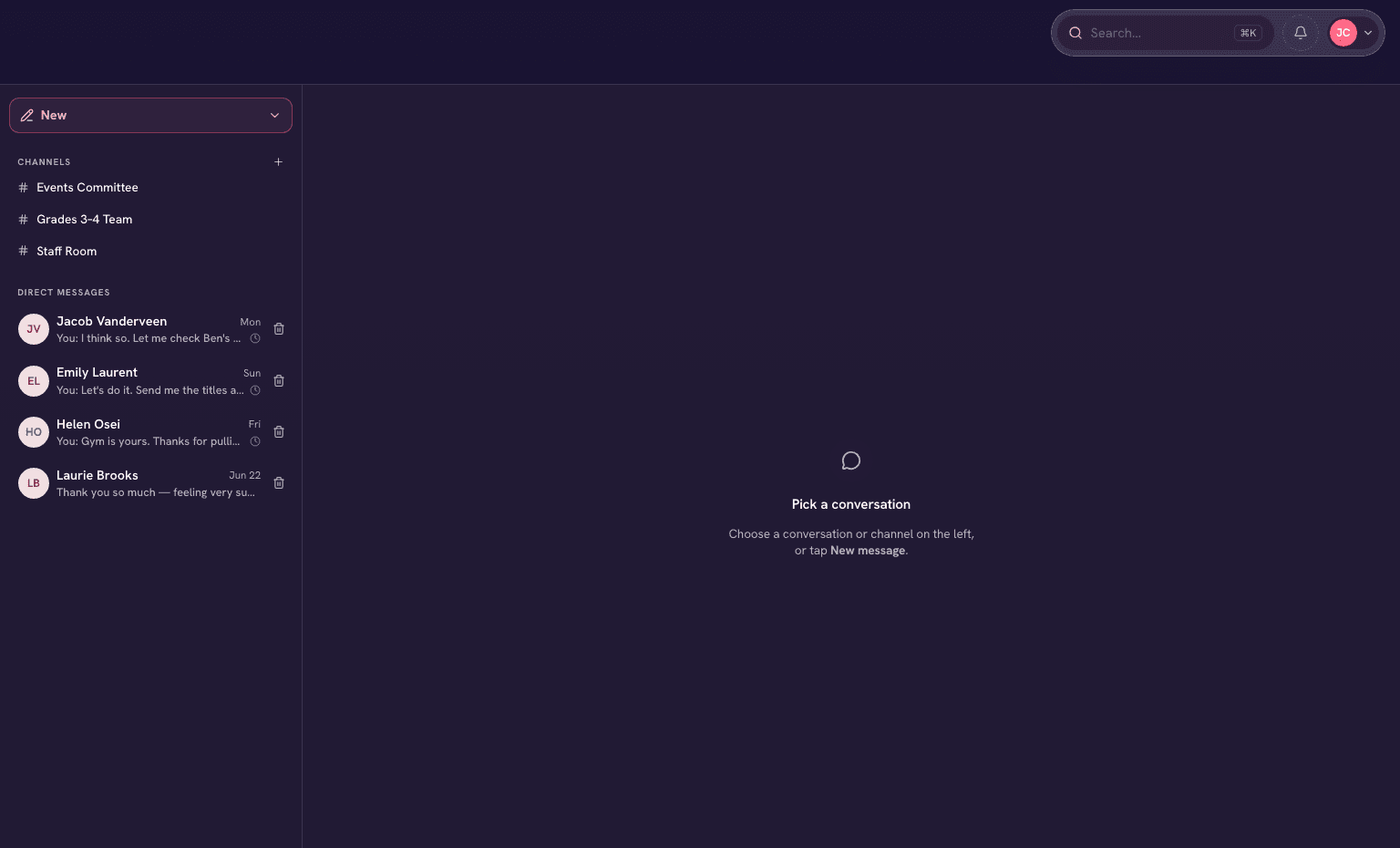
Direct messages
Real-time conversations between staff, parents, and students—all on the record, with attachments and drafts.
Staff channels
Group chats for teams, committees, and the whole staff room.
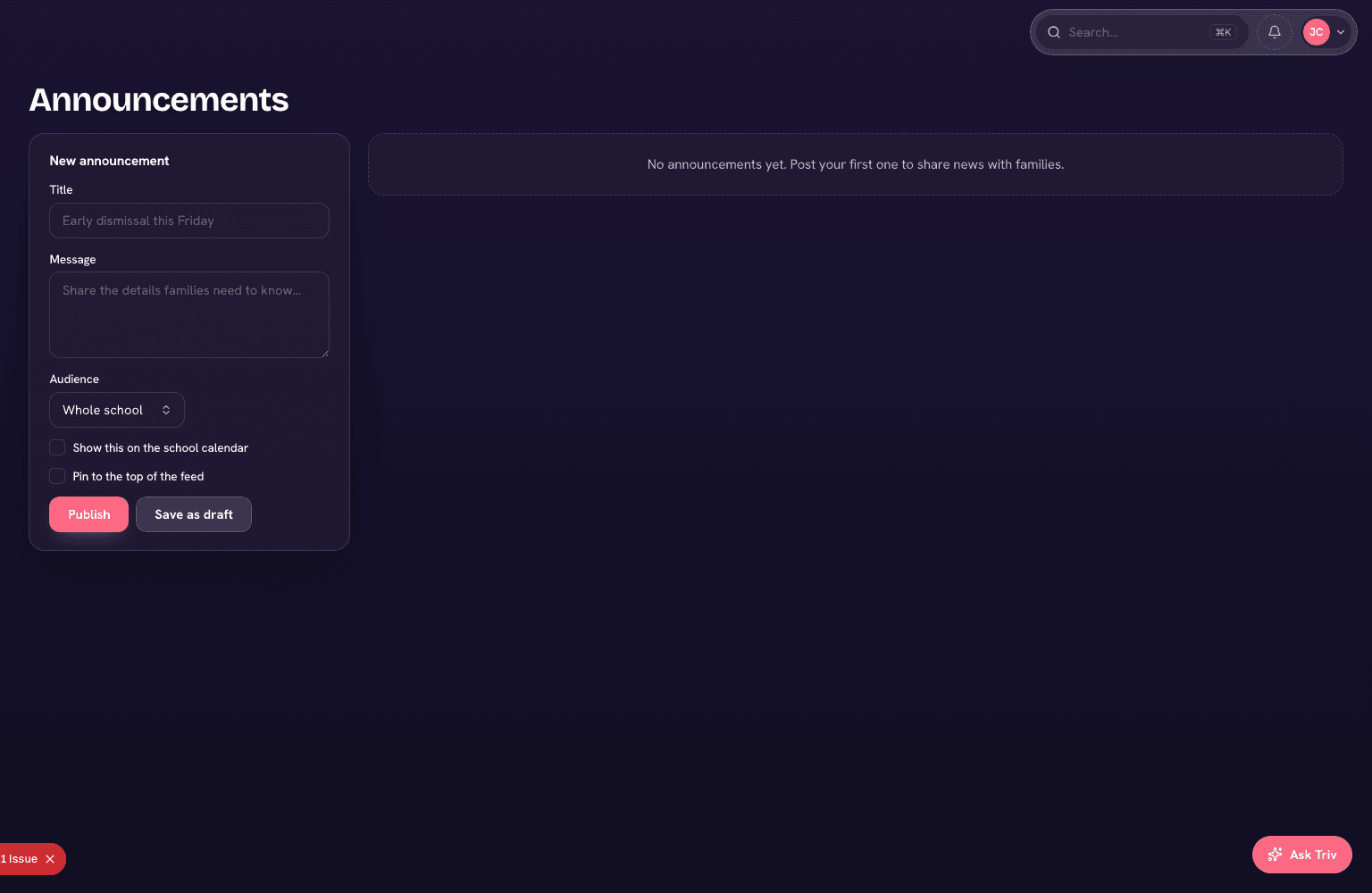
Announcements
Post to a class, a grade, or the whole school in seconds—and every parent gets the email.
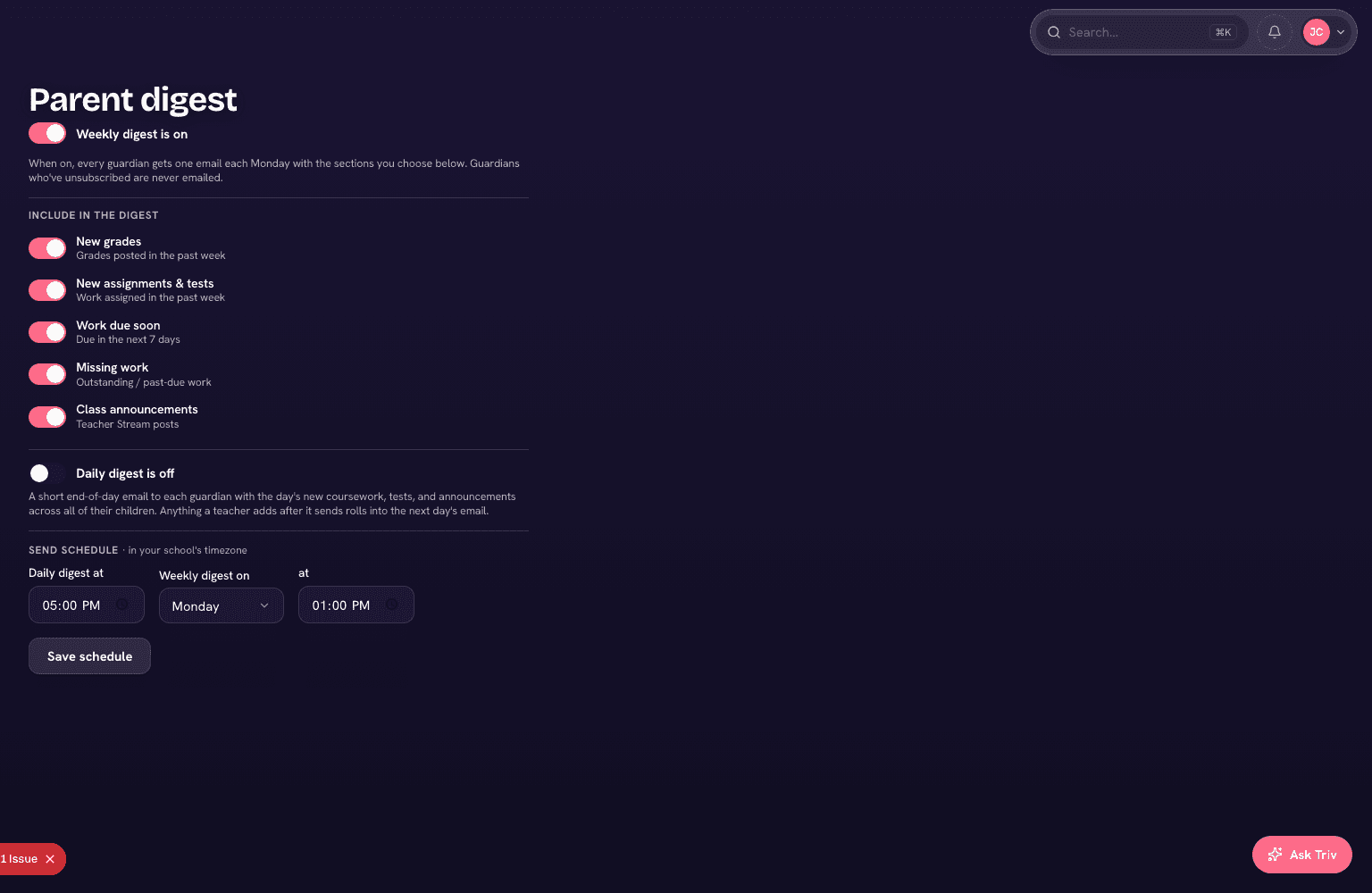
Daily parent digest
An automatic summary of what's assigned, due, and announced, delivered to the inbox once a day instead of message by message.
Reply by email
Parents can reply to messages by email—no login required—and it threads straight back into the conversation.
Group messaging & lists
Message a class, a grade, or a saved list in a single send—the same lists your newsletters use.
Oversight
Administrators can read any staff–parent thread, so nothing said to a family is ever a surprise to the office.
Emergency alerts
One message by text and email to everyone, families, or staff—with a delivery log for every send. (Included in Core.)
See it in action
Communications, on screen.
One inbox for the whole school
Direct messages, staff channels, and announcements together—staff and families, side by side.
The daily digest
What's assigned and due, summarized and sent to every parent's inbox—even the ones who never log in.
See Communications on your school's setup.
Book a demo and we'll show you Trivium running on a setup like yours—every question answered.