With the Marketing module, Marketing → Newsletters builds branded email newsletters — to all families, chosen grades or teams, or your contact lists and subscribers — without leaving Trivium.
- Open Marketing → Newsletters and choose + New campaign. Start from Blank, one of your templates, or a starter.
- Type straight onto the canvas. The side panel's Add tab adds blocks (images come from your Media library) and Style adjusts the header and design. Your school's colours and logo live in Marketing → Newsletter brand.
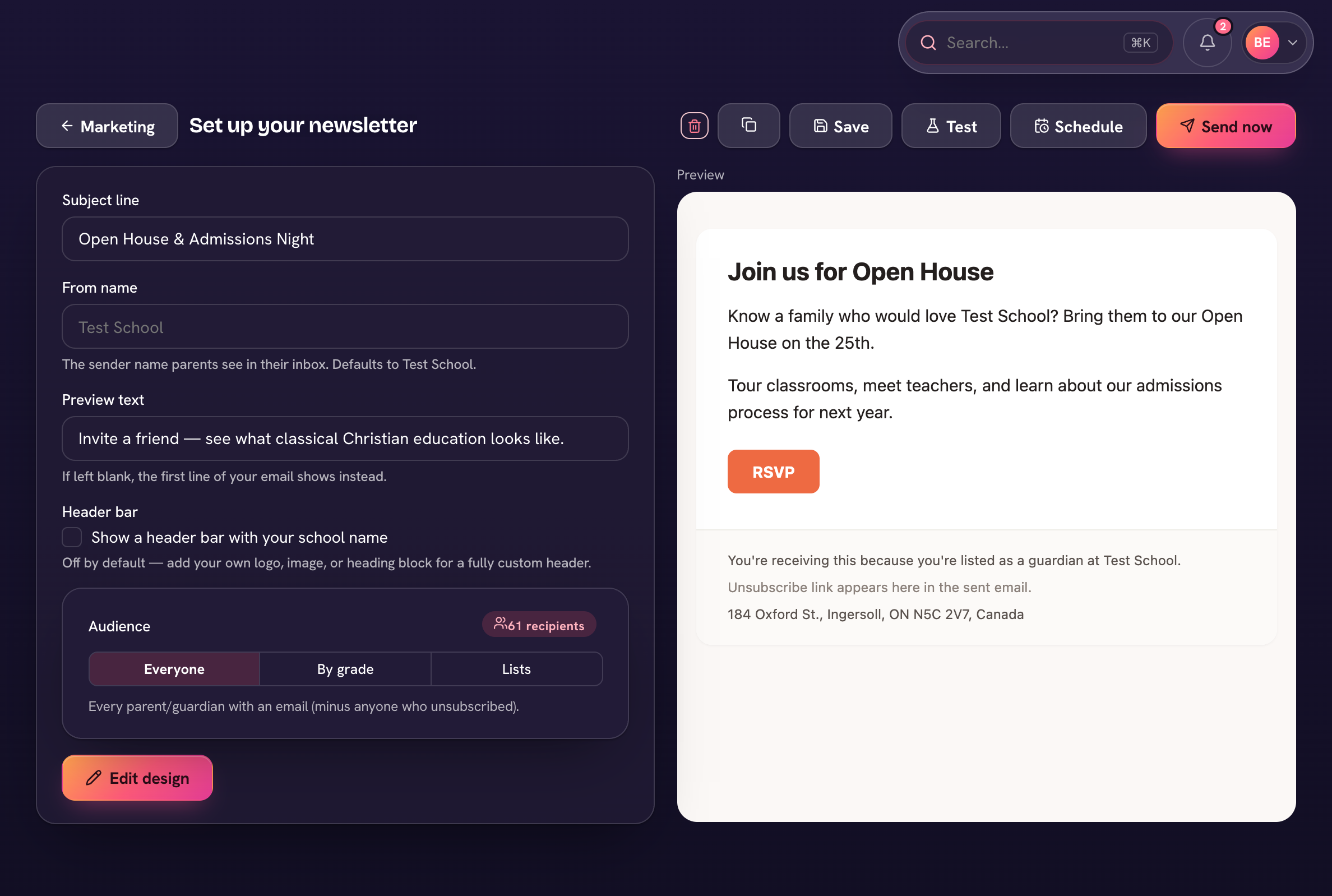
- On the Send tab, set the Subject line and audience — All families, or Choose groups (grades, teams & clubs, contact lists; anyone in more than one gets it once).
- Optionally tick Post it to families' announcements in Trivium and the app, and List it in the public newsletter archive.
- Send test to check it, then Review & send — or Schedule it (admins).
Teachers writing, the head approving
Turn on Approval under Marketing → Newsletter brand and newsletters need the head's approval before they're sent. Teachers can write issues and choose Request approval; the head can Approve & send, Approve only, or Ask for changes.
With Ask Triv, choose Draft with Ask Triv in the editor for a first issue built from your calendar, forms and announcements. Nothing is sent until you send it.