My list holds every task of yours: the ones you write yourself and the ones the office gives you. On Home, the My day card is the short version for today. It also adds the work Trivium can see, like a roll to take or an item to grade.
Where to find it
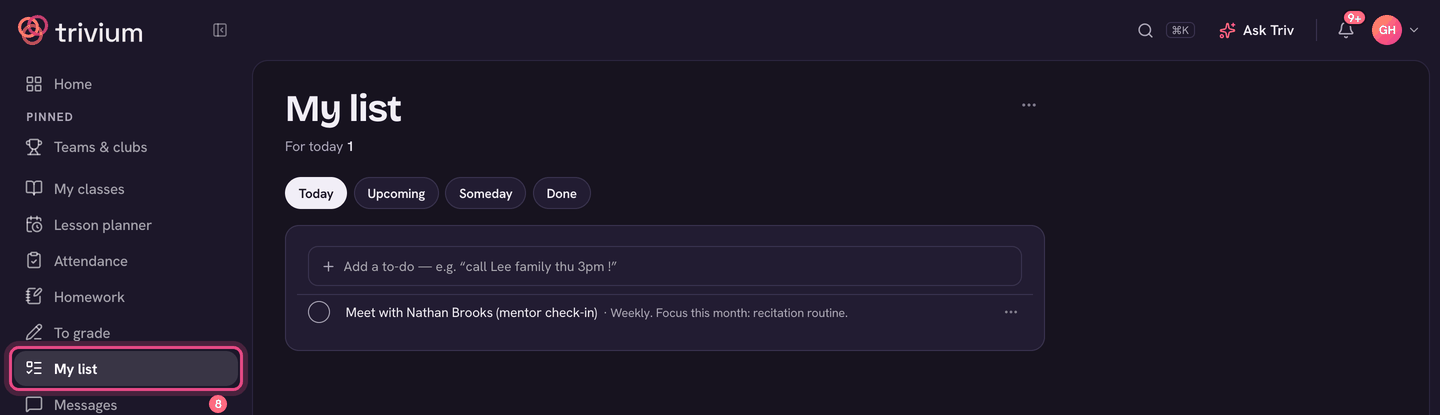
Choose My list in the sidebar. Today's short list is the My day card on Home.
What's on it
- Today: what's due today, with anything Overdue on top.
- Upcoming: the next four weeks, one day at a time.
- Someday: to-dos with no day yet.
- Done: what you ticked off in the last 30 days. Linked to-dos that finished themselves say "done for you".
- Admins also get Assigned by you, for tasks and checklists they've sent to staff.
Add a to-do
- Type in the Add a to-do box at the top of My day (on Home) or My list.
- Write it the way you'd say it: "call Lee family thu 3pm !". Trivium reads the day, the time, ! for urgent, a length like ~30m, and repeats like "every Monday". Each one shows as a chip. Tap a chip's × to keep those words in the title instead.
- Choose Add. You can Undo straight away.
Type "someday" in a to-do to park it under Someday.
Add to My list from anywhere
Many ⋯ menus have Add to My list. The to-do links back to the thing, and ticks itself off when that work is done.
- A homework item on the Homework page ("Check …") or a gradebook item ("Mark …").
- A conversation in Messages: ⋯ → Reply later.
- A lesson in the planner: Prep materials.
- A student's page, a conduct note or a conference.
Work through it
- Tick the box to mark a to-do done.
- ⋯ on a row: Not today (moves it to the next school day), Move to (Tomorrow, or Pick a day…), Someday, Mark urgent, Move up / Move down, Rename and Delete.
- A task from the office has Note to … so you can tell them what's blocking it.
- On a phone, swipe a row left for Not today and right for Done.
Suggestions
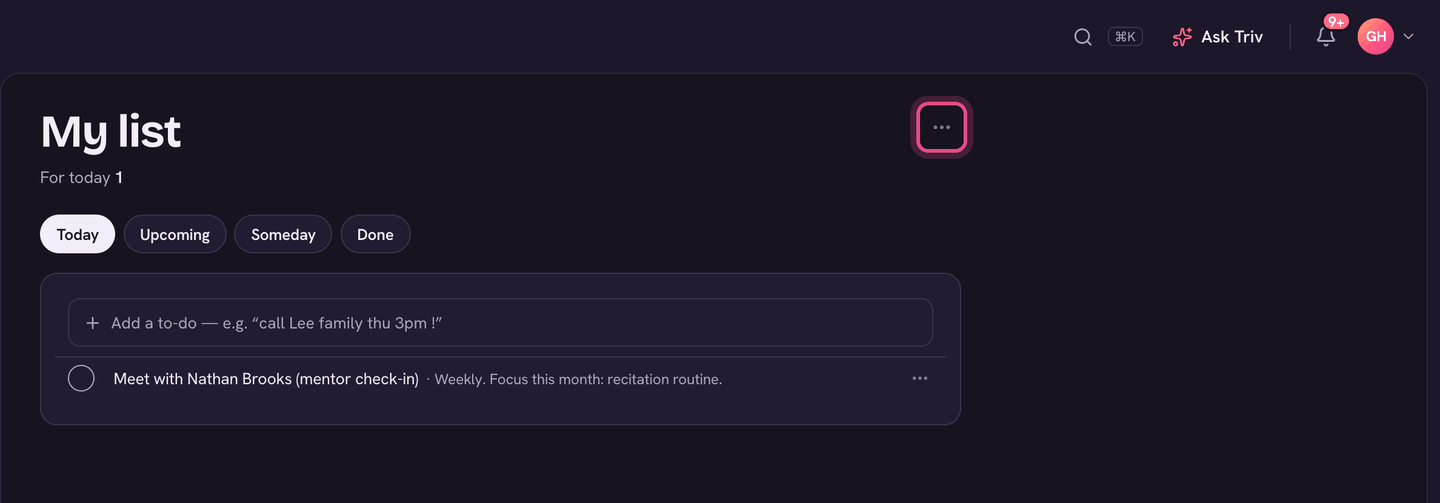
- On My list, choose ⋯ (My list settings) next to the title.
- Turn on Suggest to-dos.
- Trivium now offers to-dos under Suggested on My day, like marking after a test, setting up a family's meeting, chasing trip slips or report comments. Choose Add to keep one, or × to dismiss it.
On the app
- Open the menu (your avatar, top left) and choose My list under Teaching. Home's My day card shows today's list, with + To-do to add one.
- Tap To-do to add one. The tabs are Today, Upcoming, Someday and Done.
- Tap a to-do for Done, Not today, Someday, Move up / Move down and more.
- Suggest to-dos is a switch at the bottom of My list.
No signal? To-dos you add or tick on the app are kept and sent when you're back online.