Need-based aid shouldn't run on paper forms and hallway conversations. Families apply confidentially in Trivium, and awards flow straight into their tuition.
For families
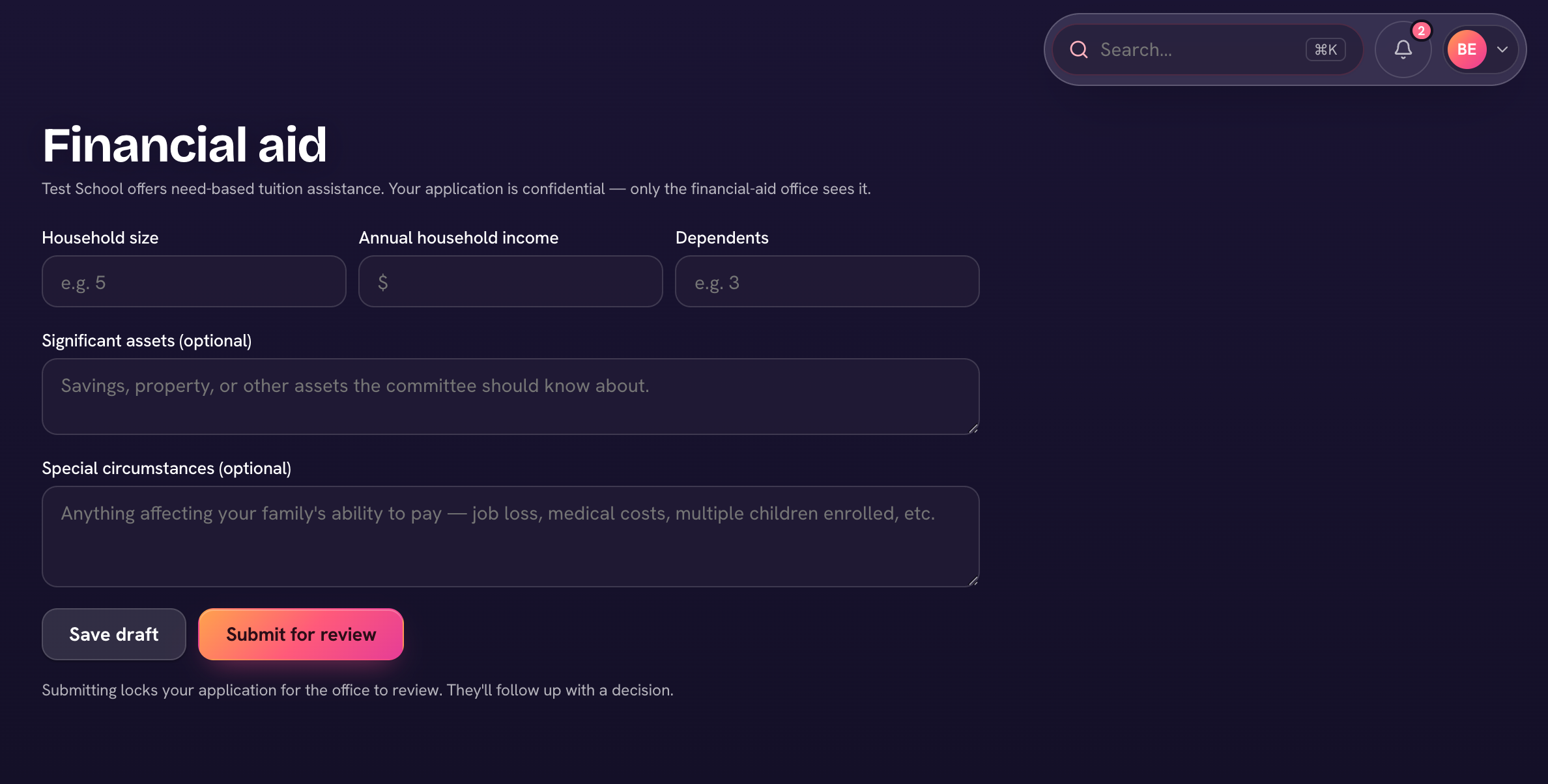
Open Billing, choose ⋯ → Financial aid, and complete the application — household size, annual income, dependents, and any circumstances the office should know. Save draft keeps your progress; Submit for review sends it. Only the financial-aid office sees it. After you submit, the page shows your status (Submitted, Under review, then Approved or Declined) and any note from the office.
For admins
- Open Finance → Financial aid — the Needs review chip shows applications waiting on you. Each shows the family's figures and circumstances.
- Open one and choose Decide. Pick the Award — Percent off tuition or Fixed amount (per student) — and add an optional note to the family.
- Choose Approve & apply discount, or Decline. An approved award becomes a financial-aid discount on the family's tuition, so their invoices reflect it.
Applications and awards are among the sensitive records whose access is written to the audit log.
Students receiving aid feed the accreditation evidence pack's financial-health section automatically.