Campus holds the pages about the building and the school day: getting children home, care, duty, rooms, screens and safety. It's one row in the sidebar with a tab for each page.
Where to find it
Choose Campus in the sidebar. It opens on Dismissal. Switch between pages with the tabs along the top.
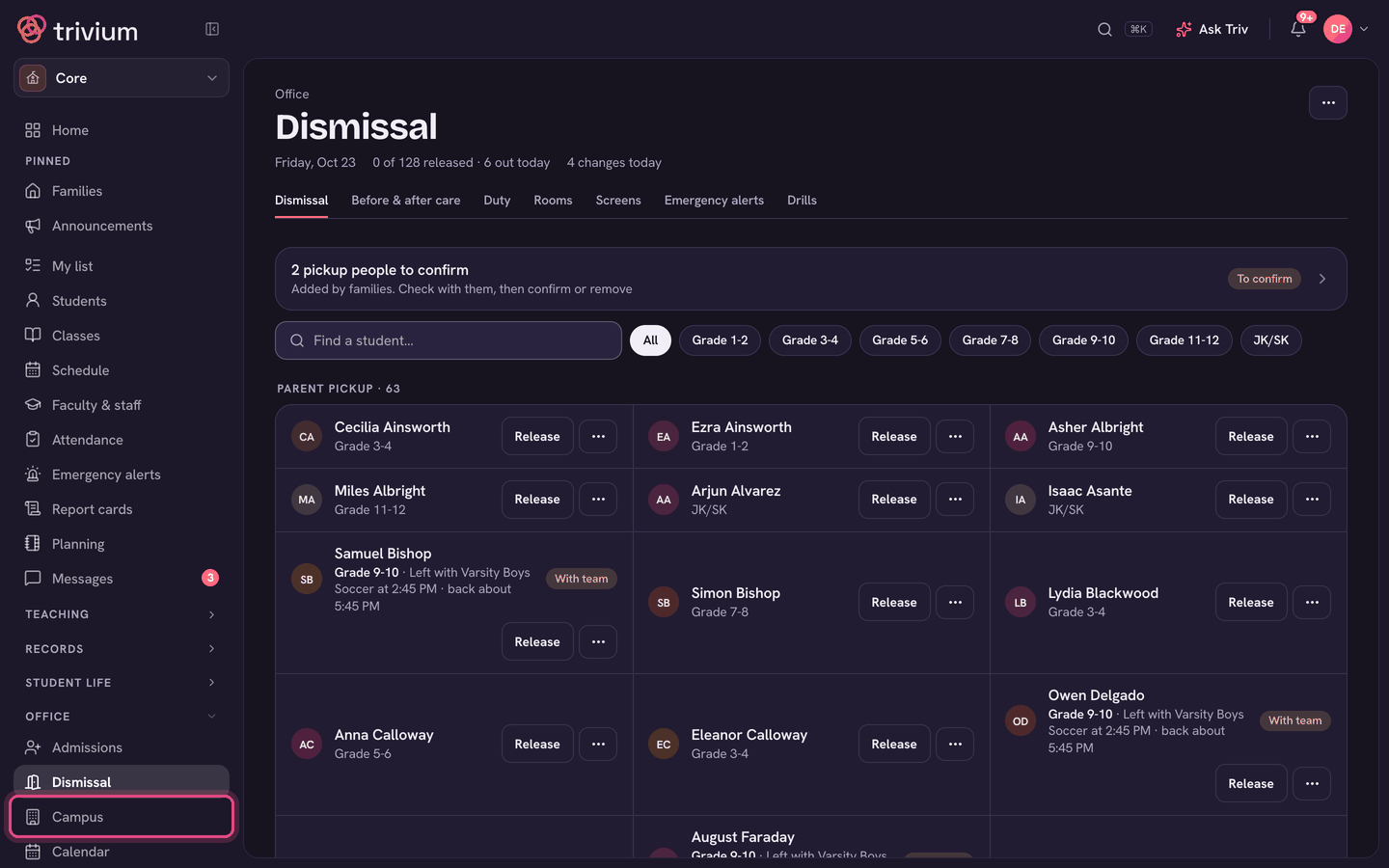
What's under Campus
- Dismissal: how every child goes home today, families' changes, and releasing each child. See Dismissal: sending everyone home.
- Before & after care: the care sign-in sheet, late pickups and monthly billing. See Before & after care.
- Duty: who's on duty where, with separate normal and rain-day rosters. See Duty roster (normal & rain days).
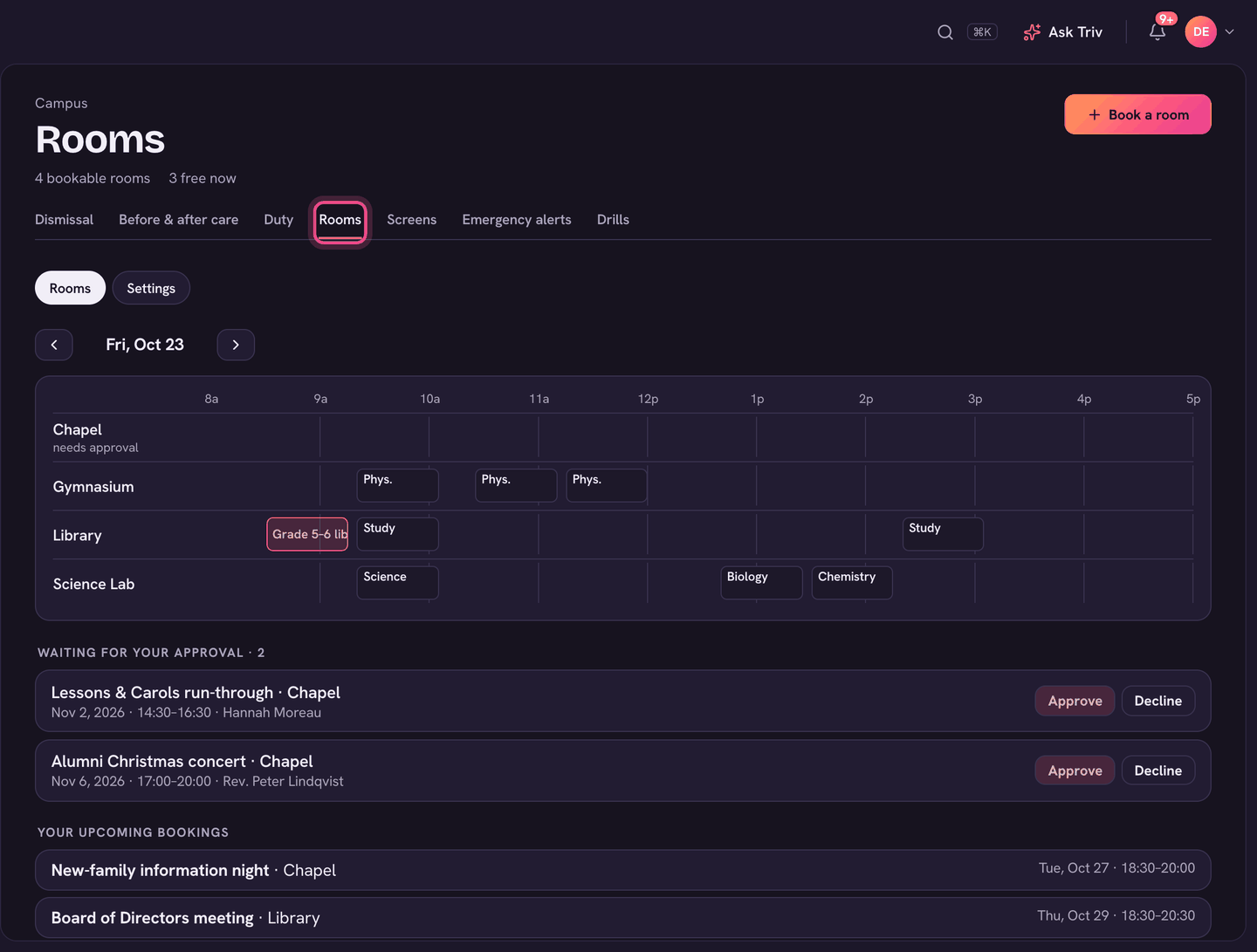
- Rooms: room booking, plus your list of rooms under Settings. See Rooms and room booking.
- Screens: hallway notices, hallway TVs and the display builder, and classroom boards. See Hallway TV signs.
- Emergency alerts: text and email everyone at once. See Emergency alerts: text & email everyone.
- Drills: the fire and lockdown drill log. See The emergency drill log.
Dismissal and Emergency alerts also have their own rows in the sidebar, because one is needed every afternoon and the other can't wait.
For teachers
Teachers don't have a Campus row. Rooms is in their main sidebar, and Dismissal (if they lead a cohort), Before & after care and Duty are in the Students group.