Data health lists records that look like they were entered twice, so you can clean them up at the source. Staff and parent groups are for review only. Duplicate classes can be merged or deleted right there, and every button asks before anything changes. It's for school admins and headmasters.
Where to find it
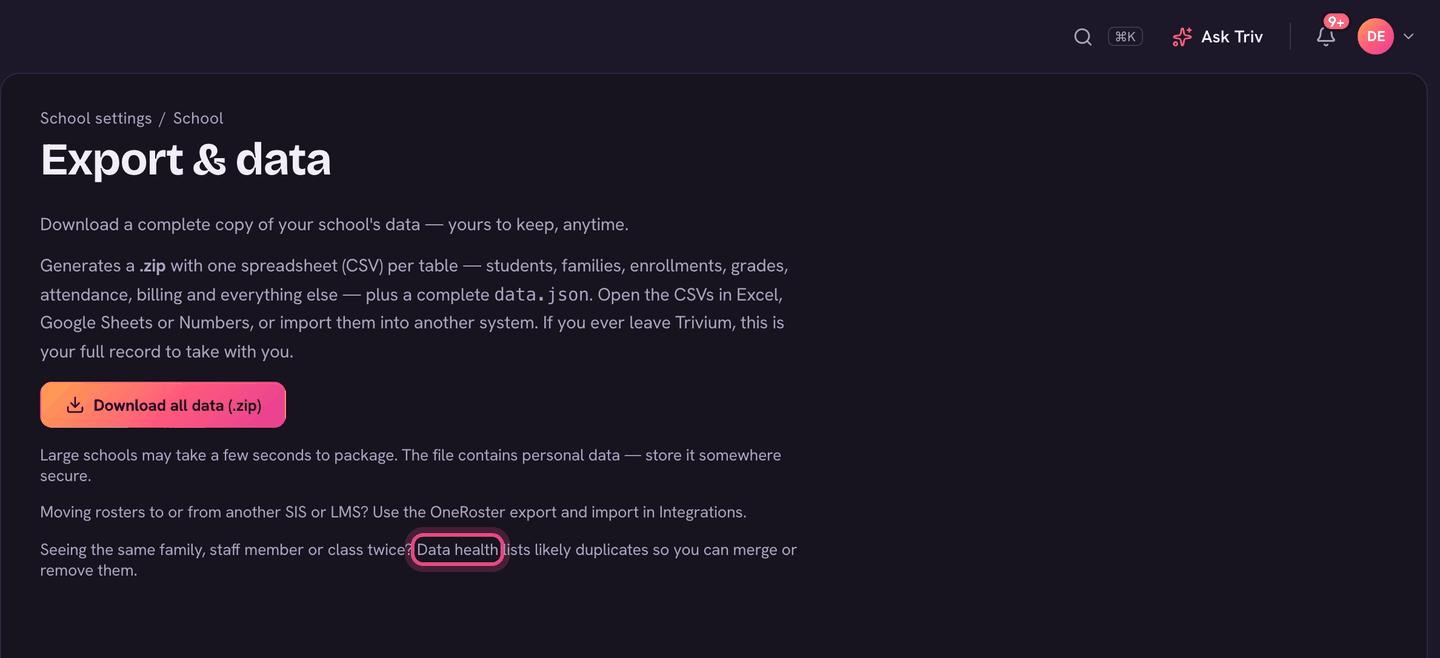
Open Settings, then Export & data, and choose the Data health link. Faculty & staff and the Schedule page also link to it when they spot something.
What it checks
- Duplicate staff accounts: the same name with more than one login. Keep the account the person actually signs in with.
- Duplicate parent records: the same parent entered more than once. Keep the record linked to their login and children. Move any links onto it from Families, then remove the extra.
- Duplicate classes: more than one class with the same subject, grade and teacher.
- Meetings longer than 8 hours: timetable entries that show as All day. Open the class and fix its times, or remove the meeting from the Schedule.
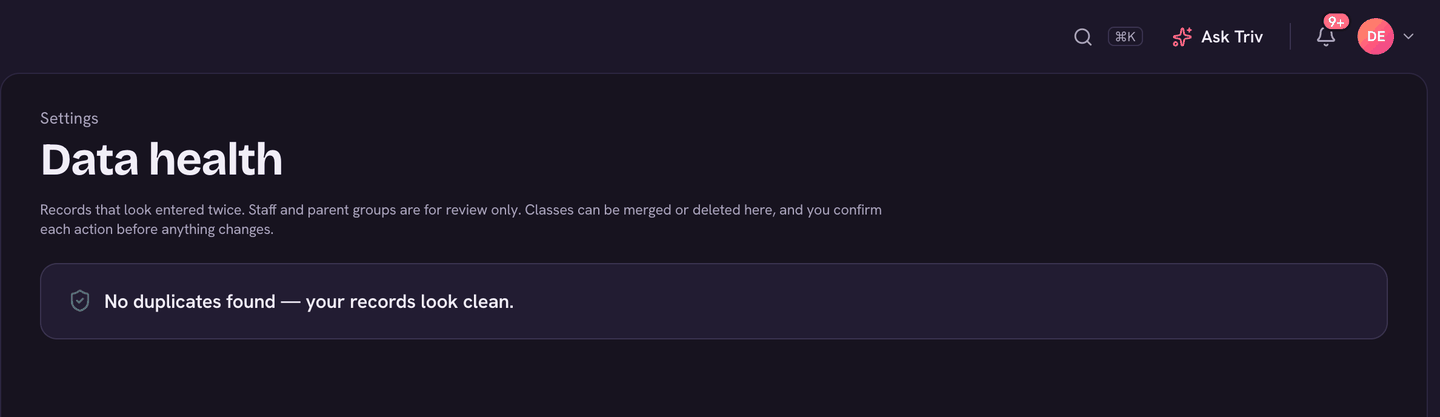
Each section is marked Review only or Can change data. When nothing turns up, the page says No duplicates found — your records look clean.
Fixing duplicate classes
- Look over each group. Each copy shows its students, room and year. Click a class name to open it.
- Keep this one, on the copy you want, merges the other copies from the same year into it: students, coursework, lessons and meetings move over, then the copies are removed. Copies from another year are left alone.
- Merge exact duplicates folds every identical set at once (same subject, grade, teacher, name, room and year), keeping the copy with the most data.
- Delete empty duplicates removes copies with no students, and always keeps the copy with students.
- Each one asks you to confirm. These can't be undone.
On the app
Data health is on the web only.
Duplicate parents usually come from an import plus a family adding themselves. Fixing them means the right person gets every email, and appears once in Messages.