Your school's records belong to your school. Settings → Export & data generates a complete copy on demand — no support ticket, no waiting.
- Open Settings and choose Export & data (in the School group).
- Choose "Download all data (.zip)".
- You get one CSV spreadsheet per table (students, families, enrollments, grades, attendance, billing and everything else) plus a complete data.json and a README.
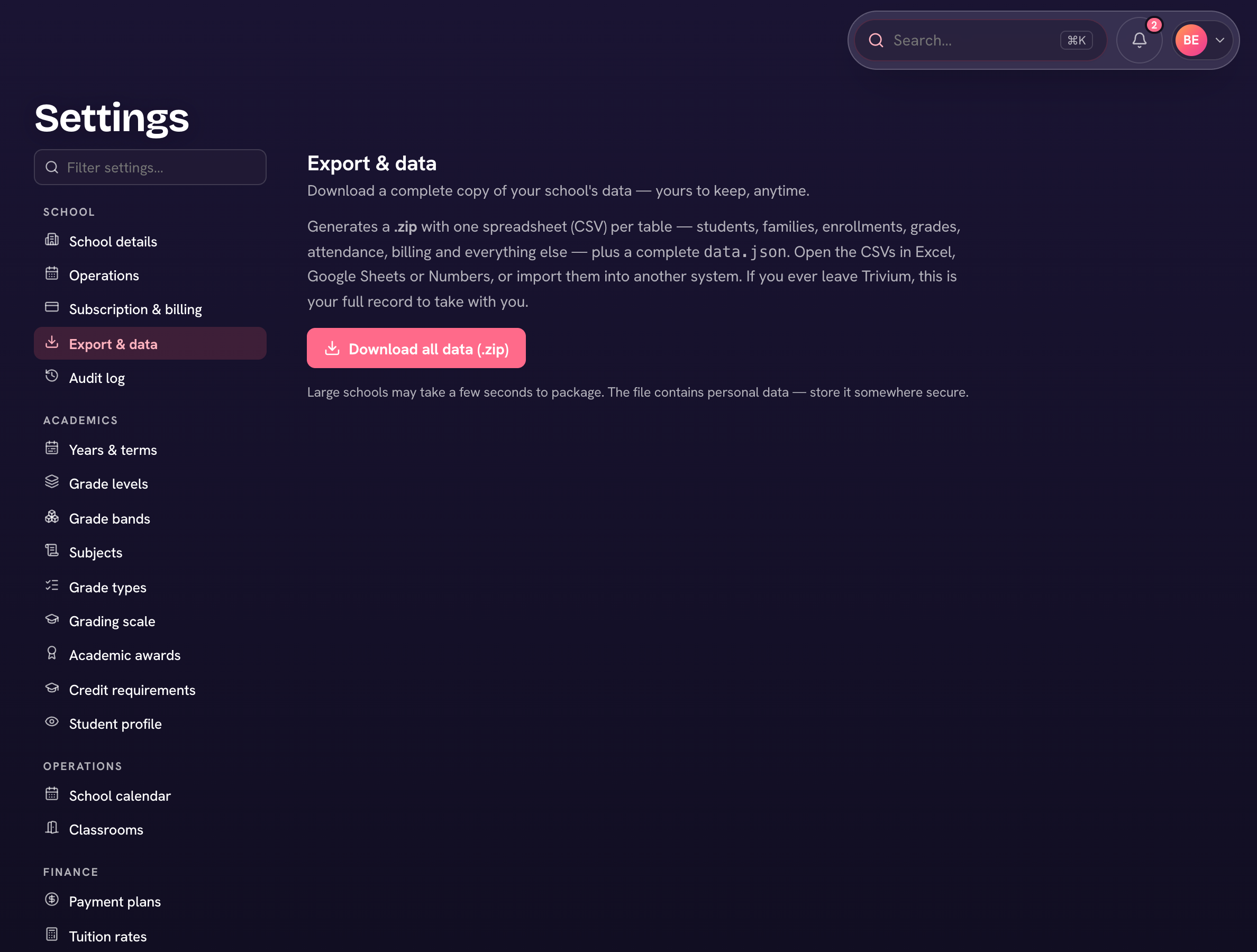
The CSVs open in Excel, Google Sheets, or Numbers, and the JSON is the authoritative structured copy — enough to migrate to another system if you ever leave. Independently of your exports, Trivium takes nightly backups of every school, so a bad day never costs you your records.
The ZIP contains personal data — store it somewhere secure, and treat downloads like the sensitive files they are. Each export is itself recorded in the audit log.