If a parent reads another language, Trivium can translate messages both ways. You write in English and they read your message in their language. They reply in their language and you read it in English. Translation is part of Triv AI, so it works when Triv AI is on for your school.
Where to find it
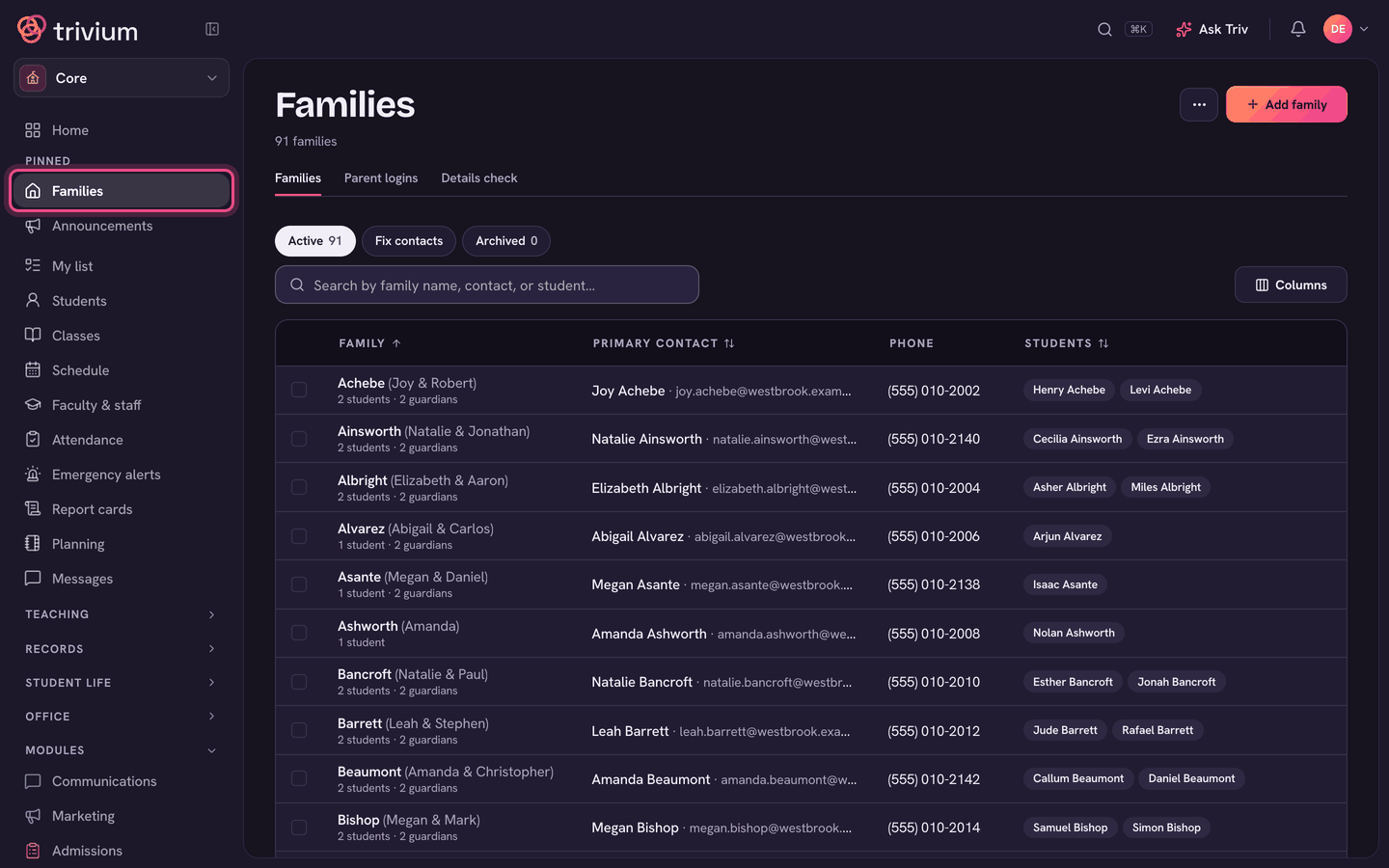
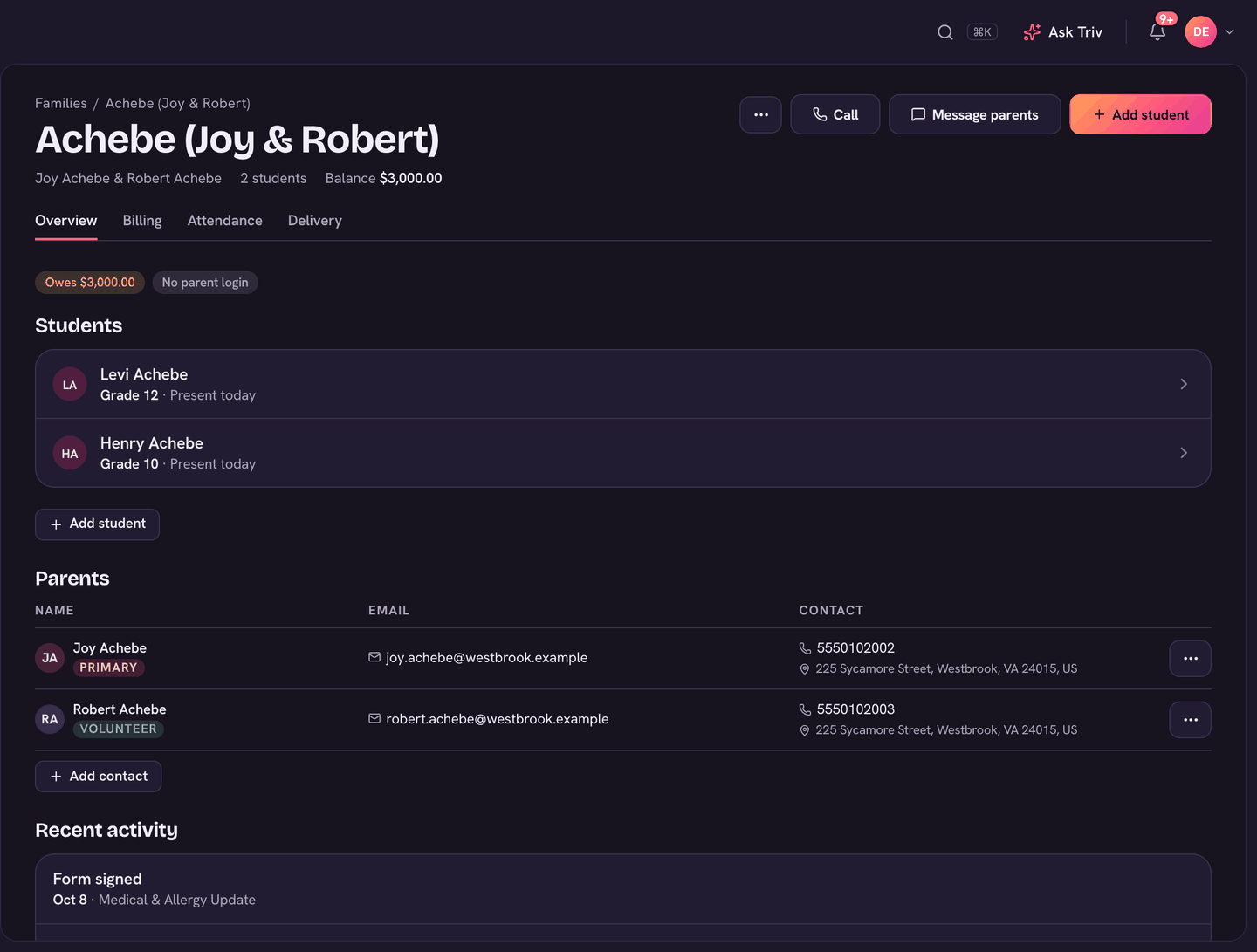
A parent can choose their own language on My account, under Language. Staff can set it for them: open Families, open the family, then click the parent's row under Parents.
Setting a parent's language
- Open Families and open the family.
- Under Parents, click the parent's row to edit it.
- Under Reads messages in, pick their language. Leave it as English if they read English.
- Choose Save. The language now shows as a small tag beside their name.
What gets translated
- Conversations in Messages on the web: messages from that parent are translated into English for you, and yours into their language for them.
- Message emails: the parent's email shows the message in their language first, with the original under it.
- Announcements, channels and other emails aren't translated.
What you see
- Above the message box: a line such as "Maria reads Spanish. Triv translates your messages for them, and theirs for you."
- Under a translated message: Translated by Triv · Show original. Click it to see what they wrote. Original · Show translation switches back.
- Any other message has a Translate button, for a one-off translation.
- Translating… shows while Triv works.
On the app
Translation is on the web only for now. In the app, messages show as they were written. Message emails are still translated for the parent.
Translations count toward your school's Triv AI use for the month (Settings, then Triv AI). If Triv AI isn't on, messages show as they were written.
Families can set their own language too. See Messages for families.