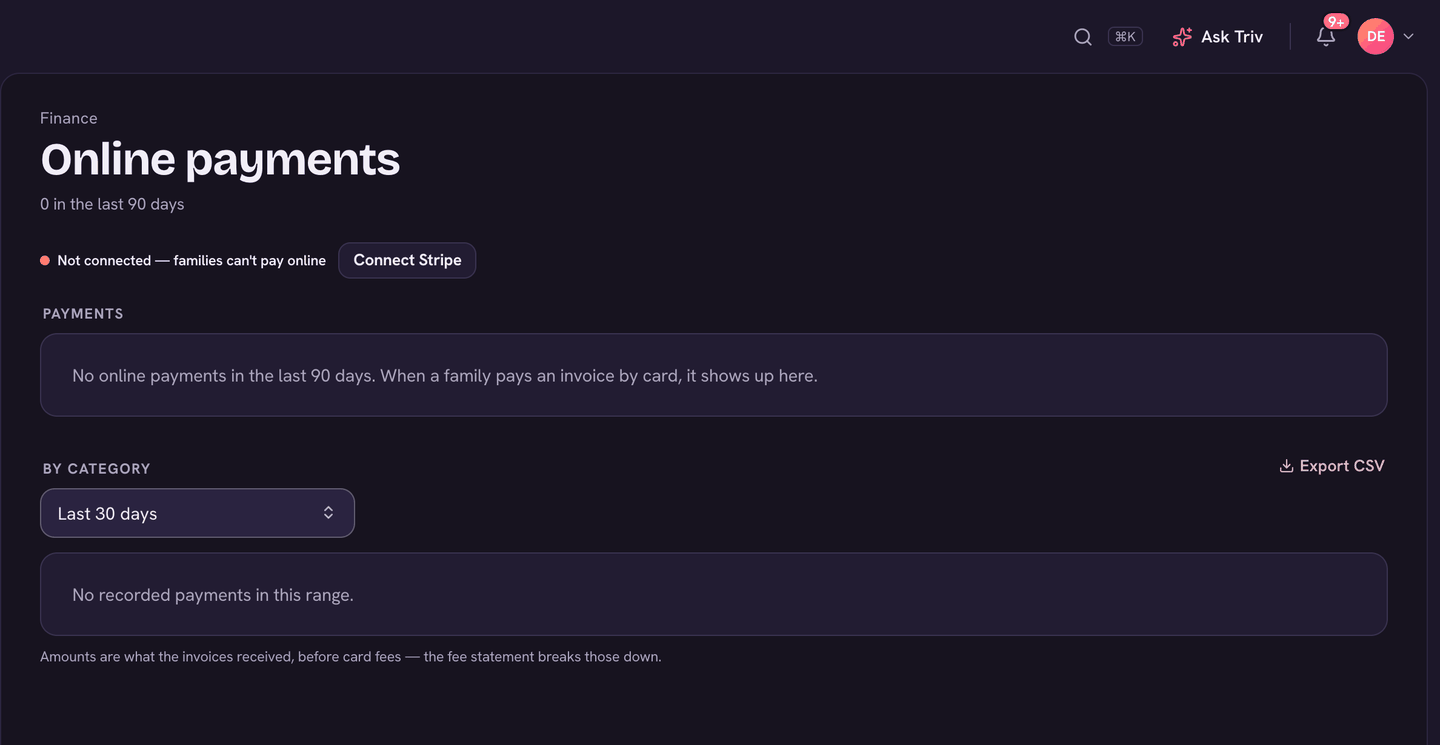
When families pay online, two fees come out: Stripe's card processing fee, and Trivium's 1% fee. The fee statement shows both for every payment, how much of it families chose to cover, and the net that reached the school. The figures come straight from your school's Stripe account, so they match your payouts.
Where to find it
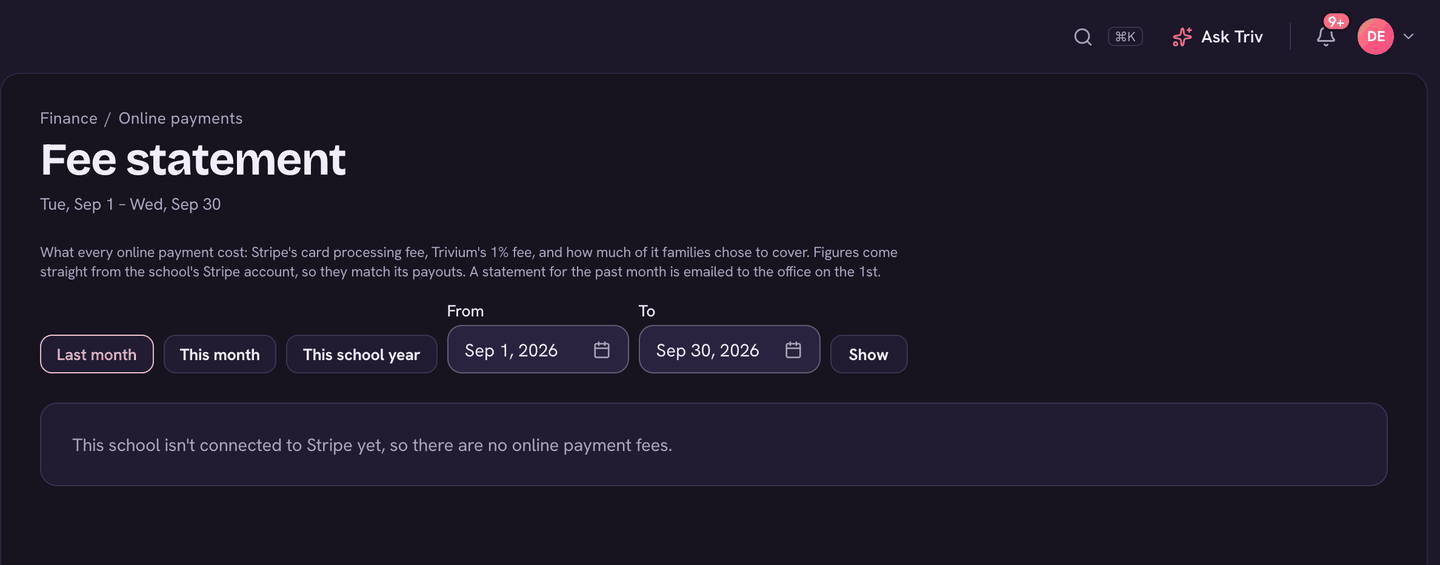
Open Finance, then Online payments (under Billing), and choose Fee statement. It's there once your school is connected to Stripe. Admins and bookkeepers can see it.
Reading the statement
- Pick the period: Last month, This month or This school year. Or set From and To and choose Show.
- The totals at the top: Paid by families, Covered by families, Stripe processing fees, Trivium fees (1%), and Net to the school.
- What the payments were for groups them (tuition, forms and orders, teams, donations and so on), each with its fees and net.
- Every payment lists each one: Date, Payer, For, Amount, Family covered, Stripe fee, Trivium fee and Net.
- Choose PDF or CSV (top right) to save or share it.
The monthly email
Early each month, a statement for the month before is emailed to the school office (your school's email address, or else the headmaster and school admins). The subject reads "(your school): online payment fees for (month)". A month with no online payments sends nothing.
Who covers Trivium's 1%
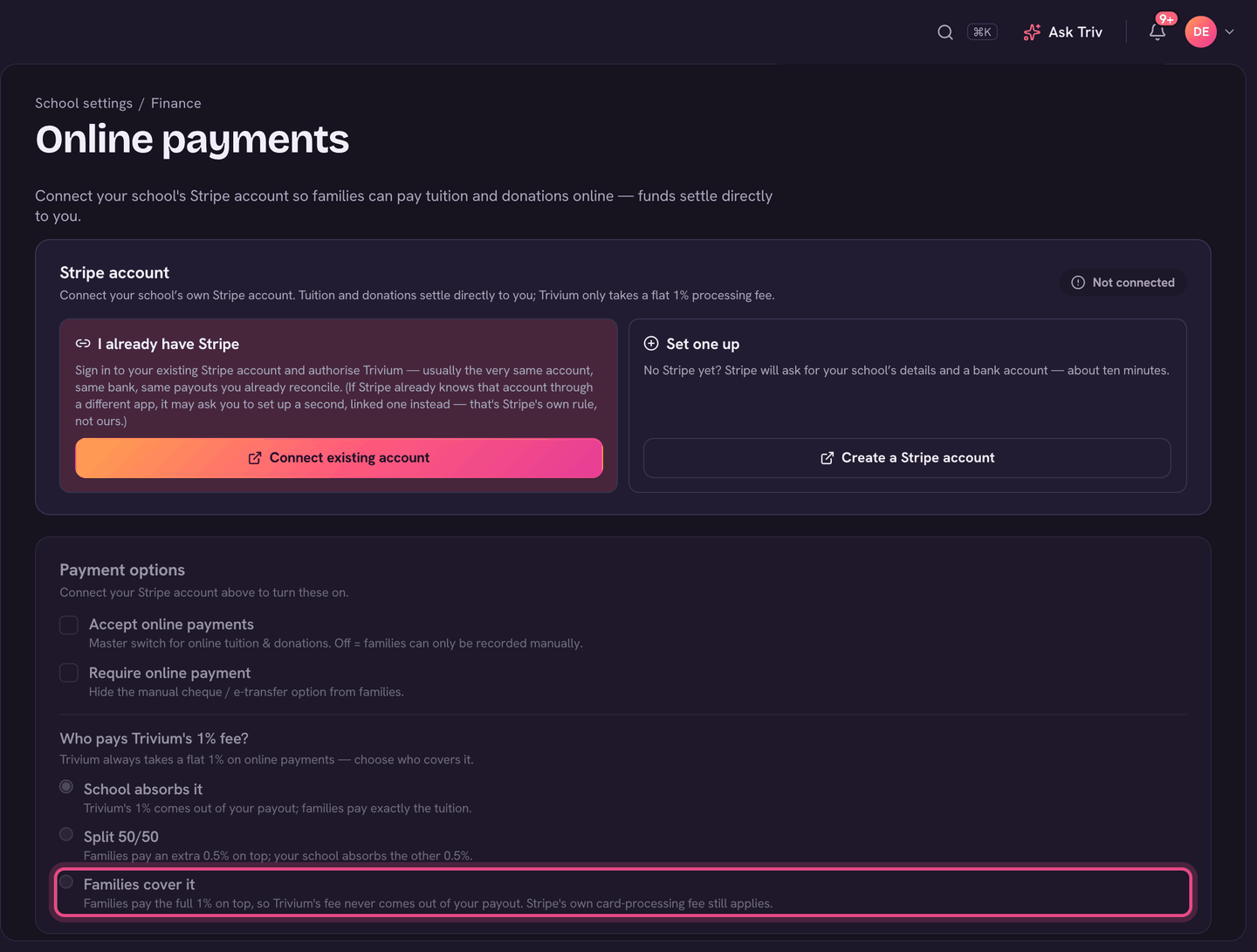
You choose who pays Trivium's fee in Settings, then Online payments, under Who pays Trivium's 1% fee?: School absorbs it, Split 50/50, or Families cover it. Stripe's own card-processing fee still applies either way. What families cover shows on the statement as Covered by families.
On the app
Fee statements are on the web only.
Amounts on the Online payments page are what the invoices received, before card fees. The fee statement is where those are broken down.