Ask Triv is Trivium's AI assistant, an add-on module. Ask it questions in plain English about your school and it answers in seconds — no report to build. Teachers see their own classes and students; admins see the whole school. With Family access turned on (Settings → AI assistant), parents and students can ask about their own records too.
- Ask: "Who's missing work in Latin?" or "How's attendance trending this term?"
- Alerts: it surfaces students and issues that need attention overnight (see Proactive alerts).
- Drafts: report-card comments, parent notes, announcements and newsletters you can edit and send.
- Do: take attendance, enter grades, create coursework, log a conduct note, record a payment, request time off and more — always shown to you first to confirm (see Letting Ask Triv do things for you).
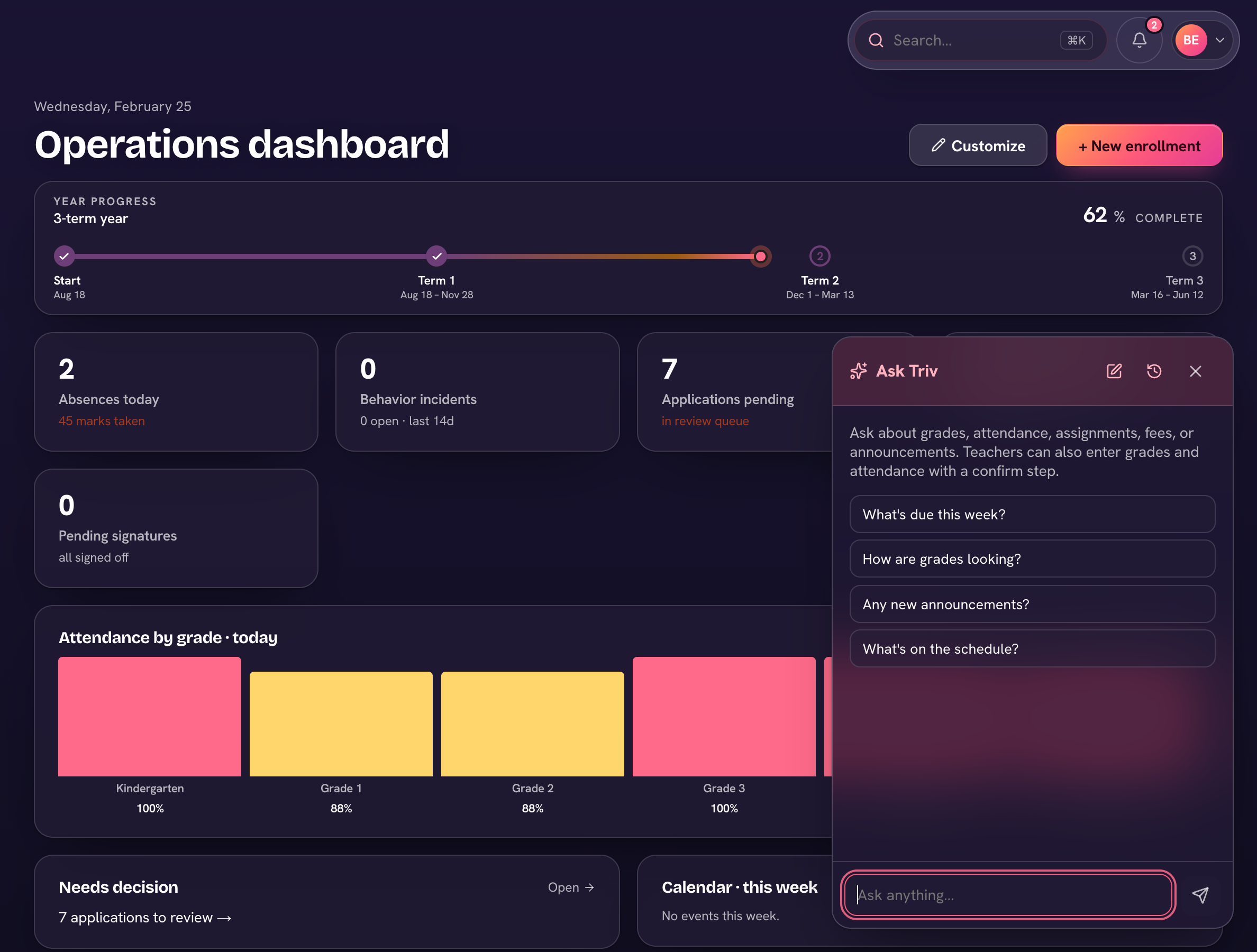
Where to find it
Choose Ask Triv in the top bar (on a phone, the sparkle button in the middle of the bottom bar). The panel has New chat and Chat history, and staff get a Today at a glance card. It also appears where it helps: on an alert, ⋯ → Draft with assistant opens it pre-loaded; in the report-card builder, Draft with AI writes a comment from that term's grades; on standards coverage, Ask Triv for a lesson; and in the newsletter editor, Draft with Ask Triv.
When Ask Triv quotes a grade, it uses the same calculation as the official report card — so the number it gives you is the number the family will see.
Start a New chat when you change topic — Chat history keeps your earlier conversations.