Beyond answering questions, Ask Triv watches your school and raises alerts so problems surface before they grow. They refresh every night, and anything that's resolved itself (a grade back up, an invoice paid) clears on its own. Teachers open Alerts in the navigation; admins see the top ones in Needs you now on the dashboard, with All alerts › for the rest.
What teachers see
- A student is failing one of your classes — with their current average.
- Missing work piling up — a student with several missing assignments across your classes.
- A grading backlog — past-due work waiting to be graded, with a Jump to grading shortcut.
What admins see
- Attendance dips — this week's rate against the prior month's average.
- Chronic absentees — students out repeatedly over the last 30 days.
- Receivables aging — tuition 60+ days past due.
- Unposted report cards as a term's end approaches.
- Stale admissions — applications untouched for three weeks.
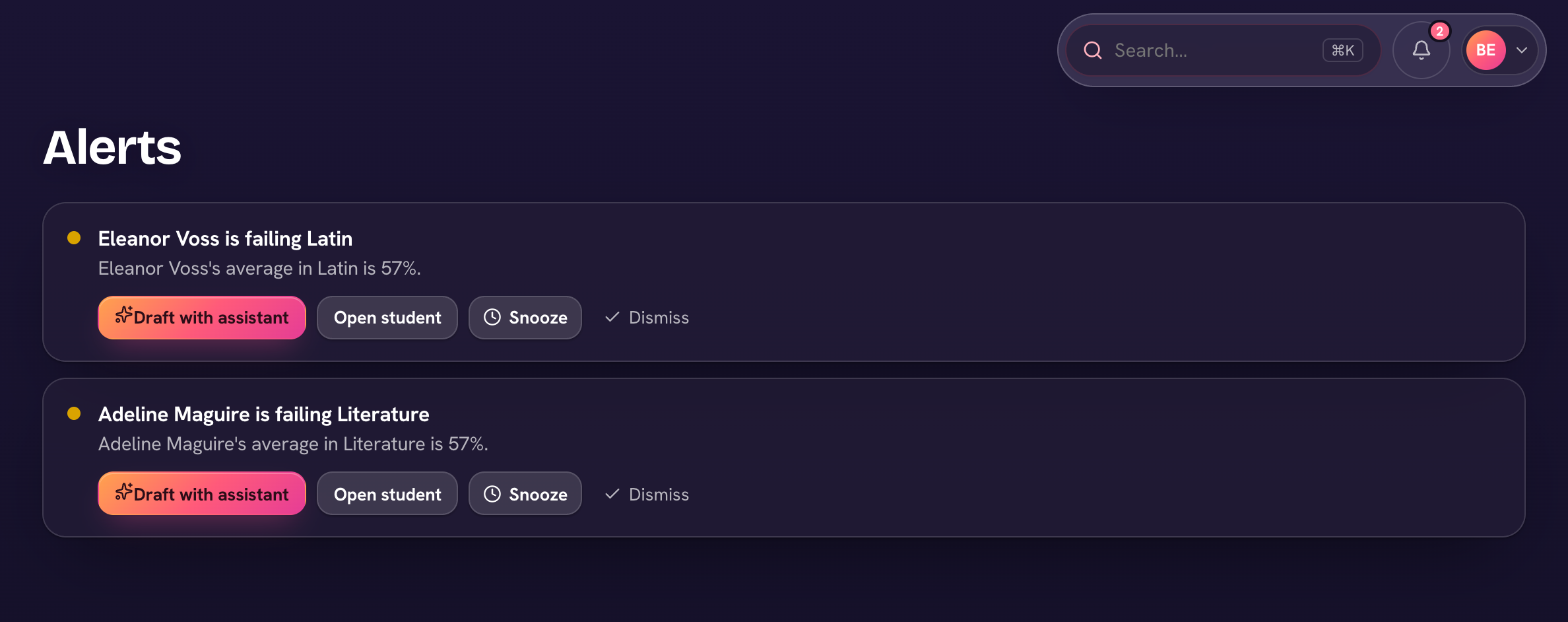
Each alert is ranked (Needs attention, Worth a look, or FYI) and carries a shortcut to the right page. Each row's ⋯ holds Draft with assistant, which opens Ask Triv pre-loaded to write the parent note or follow-up; Snooze a week, to quiet it; and Dismiss, when it's handled.
No alerts is good news — the feed says "You're all caught up" when there's nothing to flag.