Activities gathers the parts of school life that happen outside lessons. It's one row in the sidebar with a tab for each page, so the sidebar stays short.
Where to find it
Open the Student life group in the sidebar and choose Activities. It opens on the first tab. Switch between tabs along the top of the page.
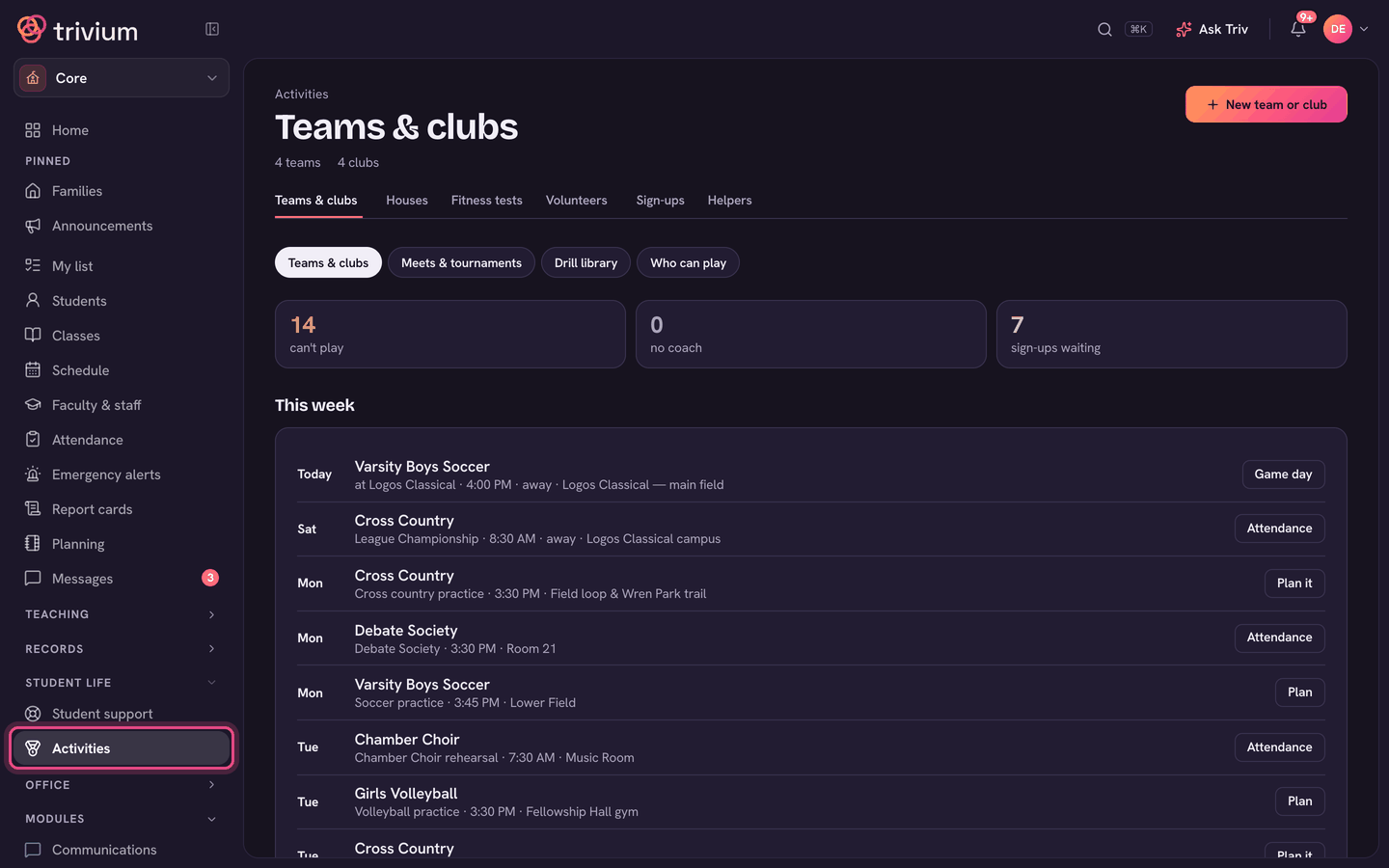
The tabs
- Teams & clubs: rosters, practices, games, eligibility and fees. See Teams & clubs: rosters, eligibility & fees.
- Houses: house points and the House Cup. See Setting up houses & awarding points.
- Fitness tests: pick a class (usually PE), set what you measure, and enter every student's result at once. Results show on each student's record.
- Volunteers: volunteer jobs, shifts and each family's hours. See Volunteer hours.
- Sign-ups: sign-up sheets for snacks, drivers or supplies. See Class sign-up sheets.
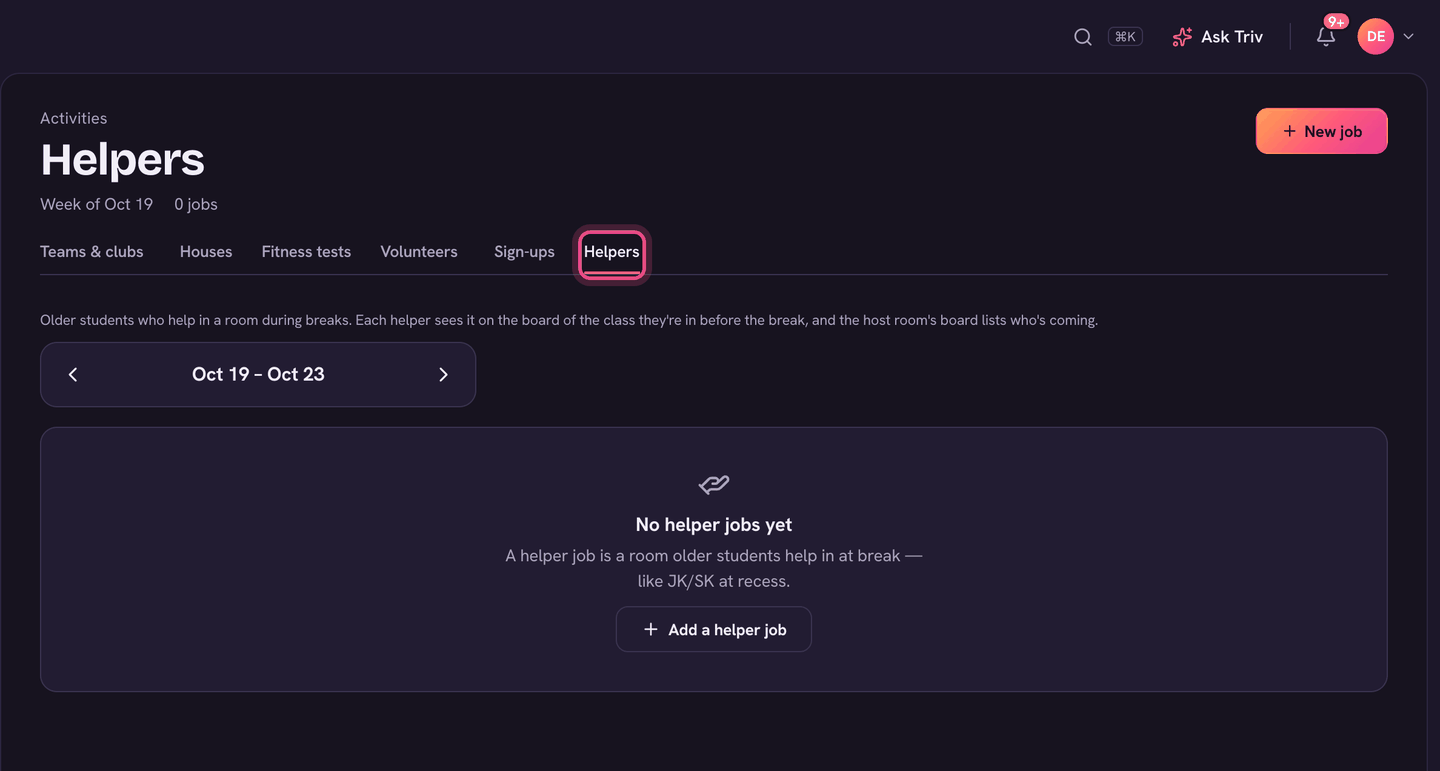
- Helpers: older students who help in a room at break (for example JK/SK at recess). Choose + New job to add one, then choose who helps at each break. Each helper sees it on their class board before the break.
Teams & clubs and Volunteers are part of the Community module. If your school doesn't have it, those tabs don't show and Activities opens on Houses.
For teachers
Teachers don't see Activities. Their Teams & clubs, Fitness tests and Houses rows sit in the Students group of their sidebar, and Sign-ups is in the School group.
On the app
There's no Activities page on the app. Staff reach Teams & clubs, Fitness tests and Give points from the menu (tap your avatar) under Students.