Trivium grades character, not just academics. Teachers rate students on the virtues your school tracks (diligence, honesty, kindness…) each term, and those ratings sit right beside the academic grades on the report card.
- Open Report cards, pick the term under Filters, and open a student.
- Go to step 2. Wisdom & Virtue and rate each trait.
- Carry on to 3. Review & sign — the ratings print beside the academics on the card.
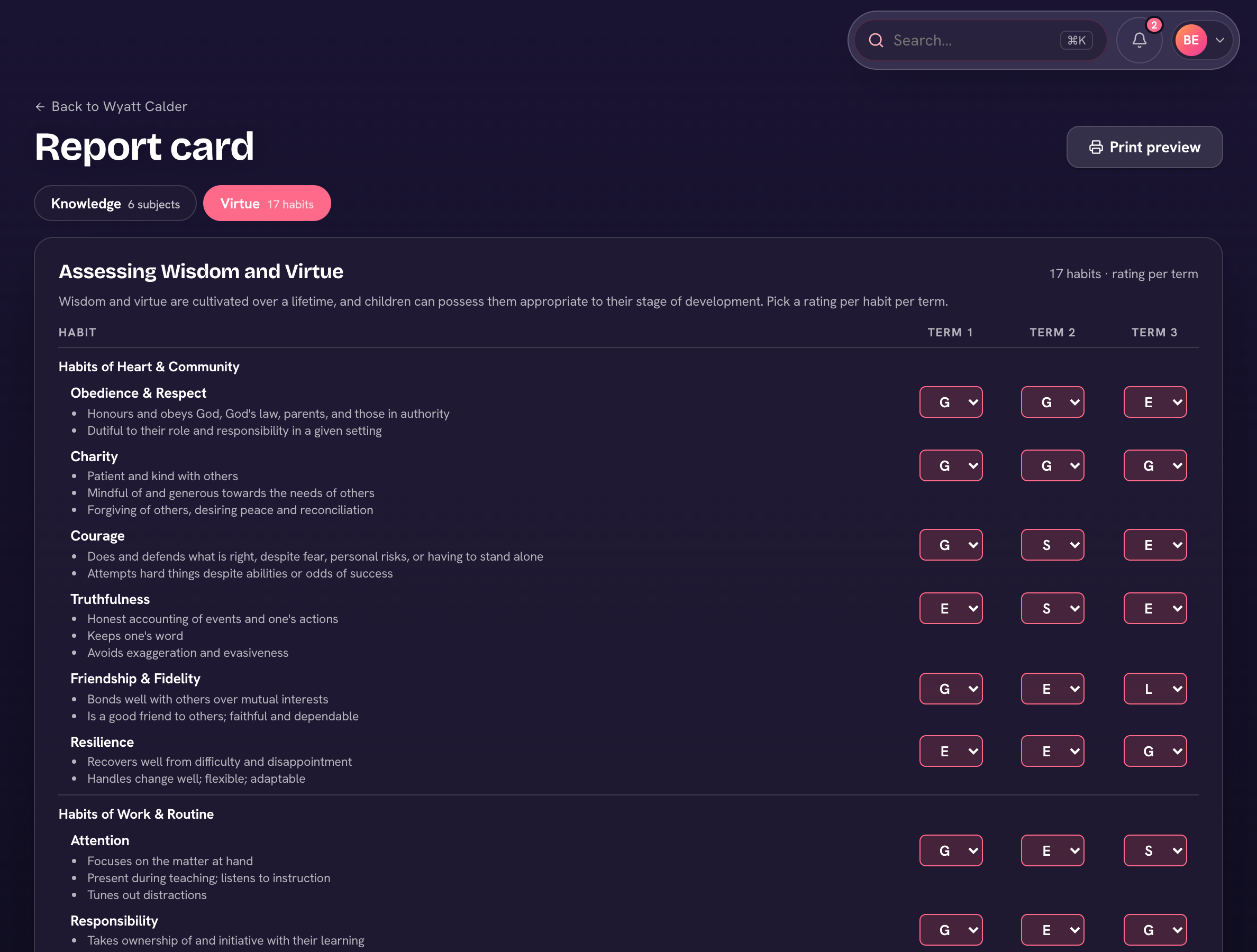
Admins set the traits, and the verse or motto printed above the section, under Settings → Report cards.
Strong character ratings can also earn house points automatically — see Automatic house points.