Report cards pull from the gradebook automatically — academic grades, letter grades, and your Wisdom & Virtue / character ratings. Each card is built in three steps: 1. Academics, 2. Wisdom & Virtue, 3. Review & sign.
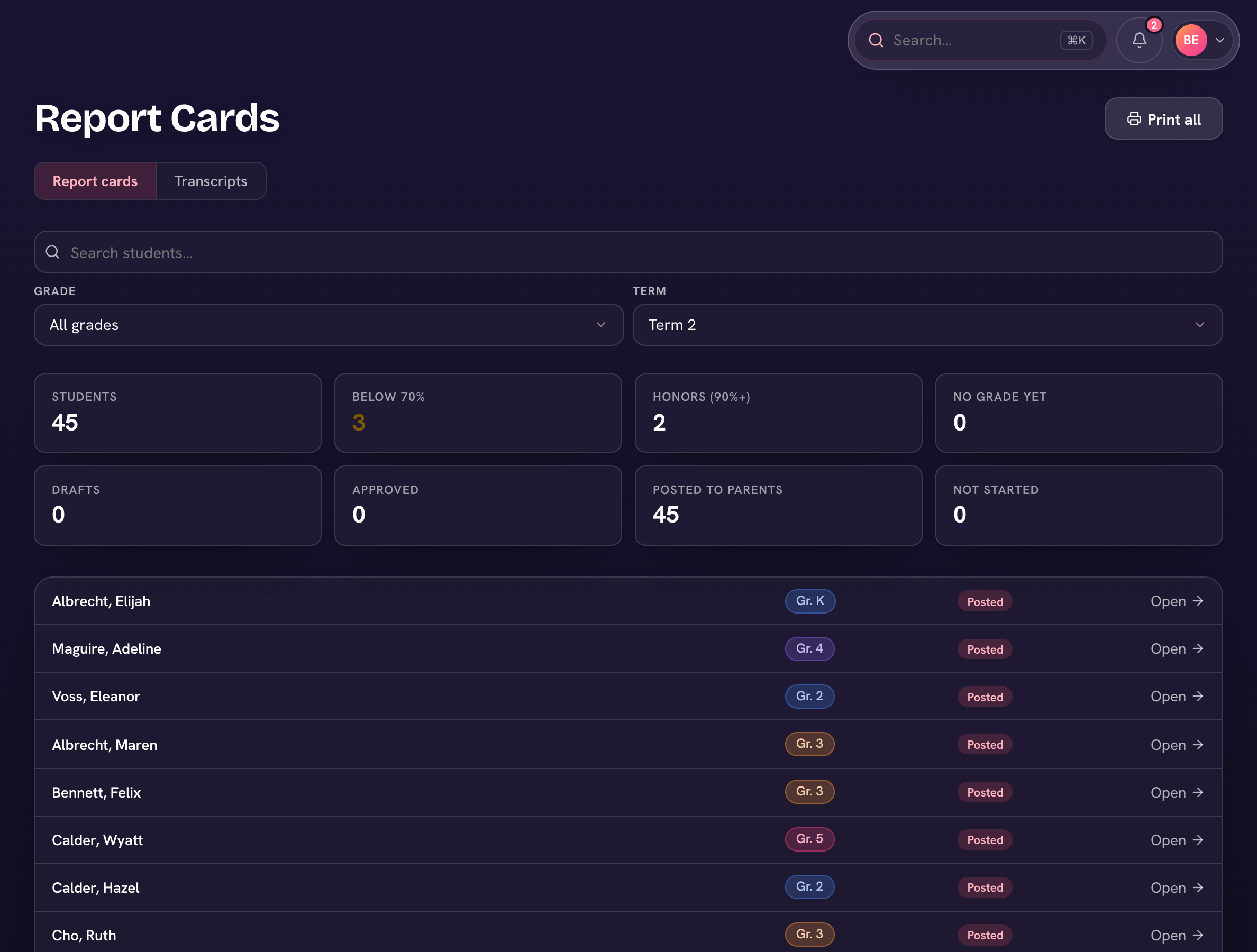
- Open Report cards (admins: Records in the sidebar) and pick the term and grade under Filters. The status chips — Not started, Drafts, Approved, Posted — show where each card stands.
- Open a student. On 1. Academics, check the grades and write comments (Draft with AI can suggest one if your school has Ask Triv).
- On 2. Wisdom & Virtue, rate each trait.
- On 3. Review & sign, check the preview and sign in the Teacher slot; the headmaster signs in theirs.
- Once both have signed, the headmaster chooses Send to parent — the family sees the card and can add the Parent signature.

Use Print all on the list for a paper set of the whole grade (or Print <class> when a class is selected).