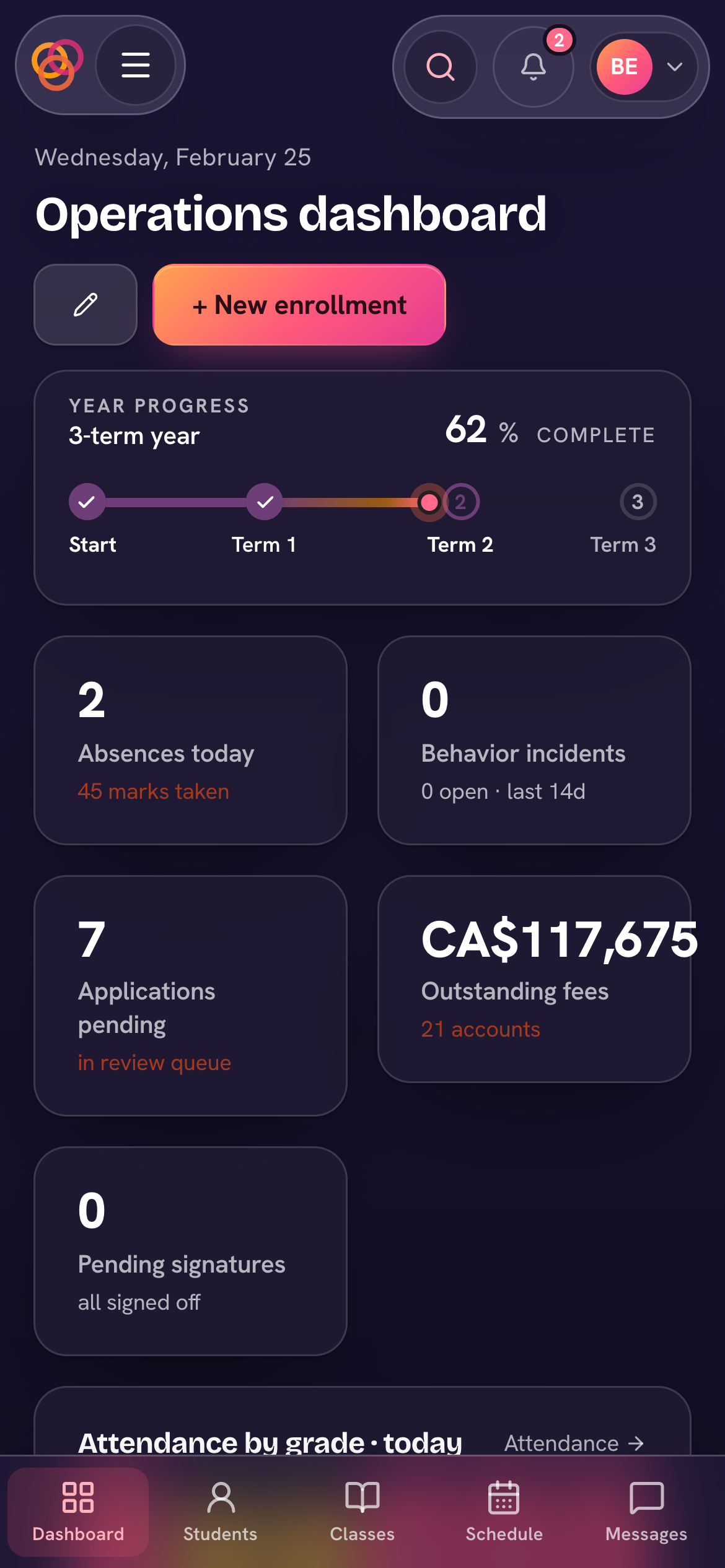
Open your school's Trivium address in your phone's browser and it's laid out like an app: a top bar, a tab bar along the bottom, and a menu that slides in. Lists become tappable rows, so nothing is cut off.
- Top bar — your avatar (top-left) opens the menu; the bell (top-right) is your notifications.
- Bottom bar — four everyday pages with Ask Triv raised in the middle. Teachers: Today, Attendance, Homework, Messages. Parents: Home, Calendar, Homework, Messages. Students: Home, Homework, Grades, Messages. Admins: Home, Students, Classes, Messages.
- Menu — everything else, in the same groups as the computer sidebar. The view switcher is at the top; search (staff), Settings, Show me around, Report a bug, the Light / Dark / Auto theme and Sign out are at the bottom.
- Tabs — on pages with tabs (Home, a child's page, Homework) you can swipe sideways between them.
Trivium's own iPhone and Android apps are in early access with our schools. Until your school invites you, the browser gives you everything.