When every copy of a title is out, patrons join the waitlist. Holds live under Library → Holds: each hold is either waiting for a copy or ready for pickup, and the queue advances automatically as copies come back. Use Mark ready or Cancel hold as needed, and Check out to patron once a held copy is picked up.
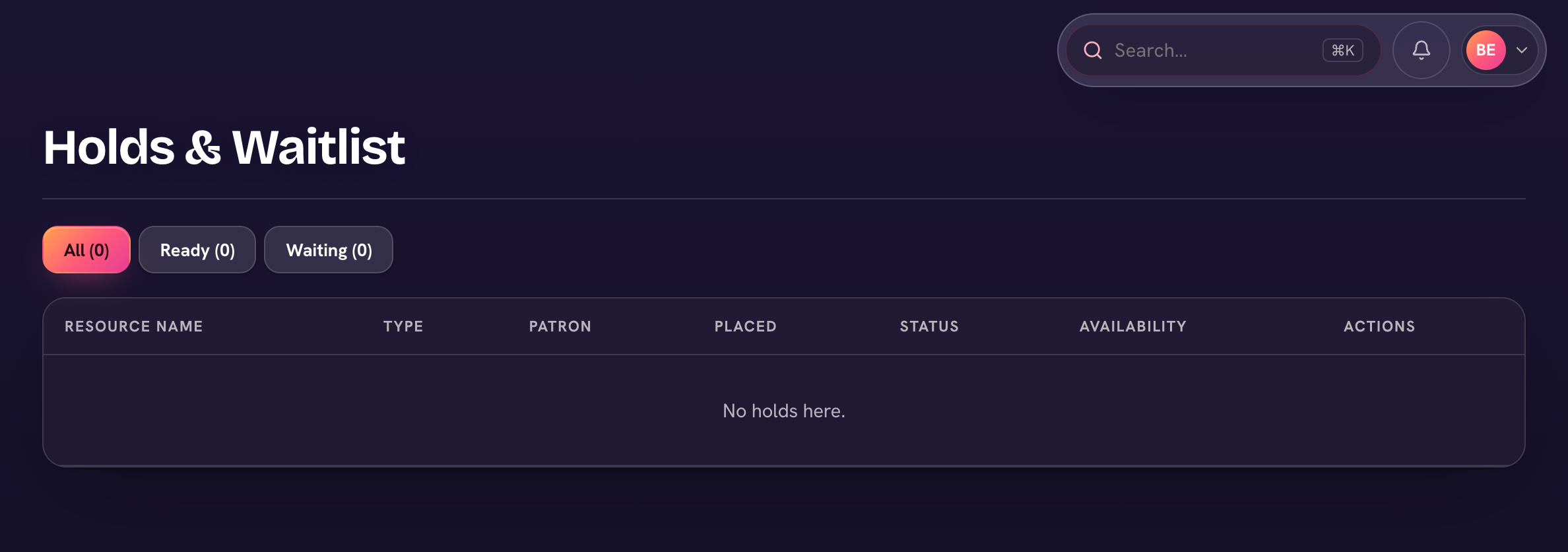
If hold emails are enabled in the library settings, the patron is notified when their hold is placed, when it's ready to pick up, and if it expires unclaimed.
Book requests
Patrons can also ask for books the library doesn't own yet. Requests from students and parents gather under Library → Requests, where staff approve, decline, or mark them fulfilled — and the requester is emailed the decision. It's a running wish list for your next book order.
Remember who your patrons are: every student, parent, and teacher — no separate signup. Staff manage any patron's loans and holds from Library → Patrons.