The Library runs your school library end to end — and it starts with the catalog. Open Library → Resources to see the collection; each resource holds one or more physical copies.
- From Resources, choose Add resource.
- Type the ISBN and hit Look up — the title, author, publisher, and cover fill in automatically. No ISBN? Enter the basics by hand.
- Set the item type, genre, and topics, and how many initial copies you own.
- Save. Repeat — or use Bulk import to load a whole collection from a spreadsheet.
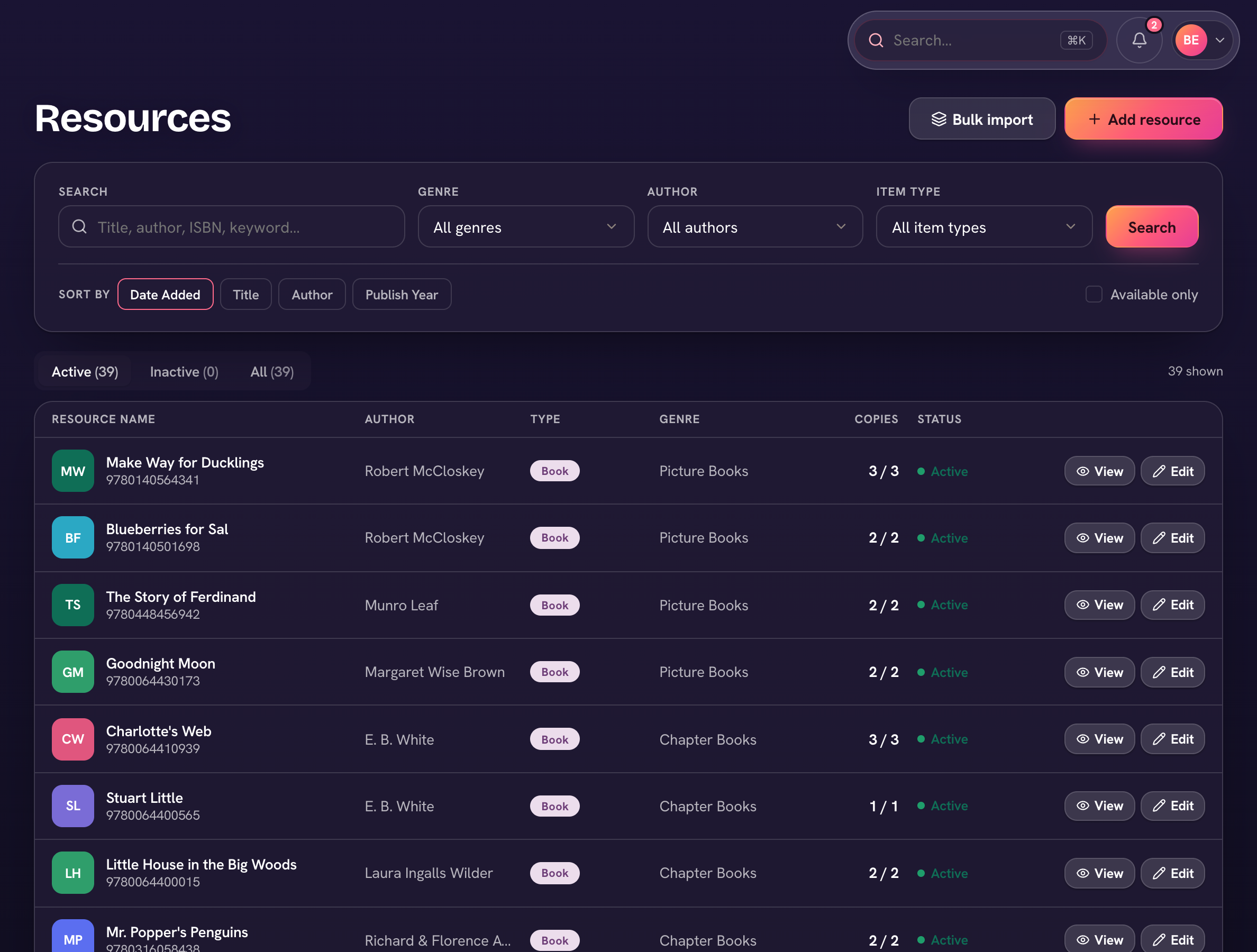
Every copy gets a barcode — print barcode sheets and spine labels from Labels (under Catalog in the library menu). Genres, topics, item types and collections live under Catalog lists. Loan rules live in the library settings: the loan period in days, a default replacement cost for lost or damaged books, and which email notices go out (checkout receipts, due-soon reminders, overdue notices, hold updates) — with View email log to see what was sent.
Every student, parent, and teacher is already a patron — there are no library cards to create. See the Patrons page for everyone's loan status.