A student out on a school trip isn't absent. Trivium marks them Present, with a note like "On field trip · Science Centre", so teachers back at school know where they are and nobody chases the family.
Where to find it
Field trips belong to a class. Open the class, choose ⋯ (More actions), then Plan a trip. A class's trips are listed on the same page. Team outings come from the team's schedule under Teams & clubs.
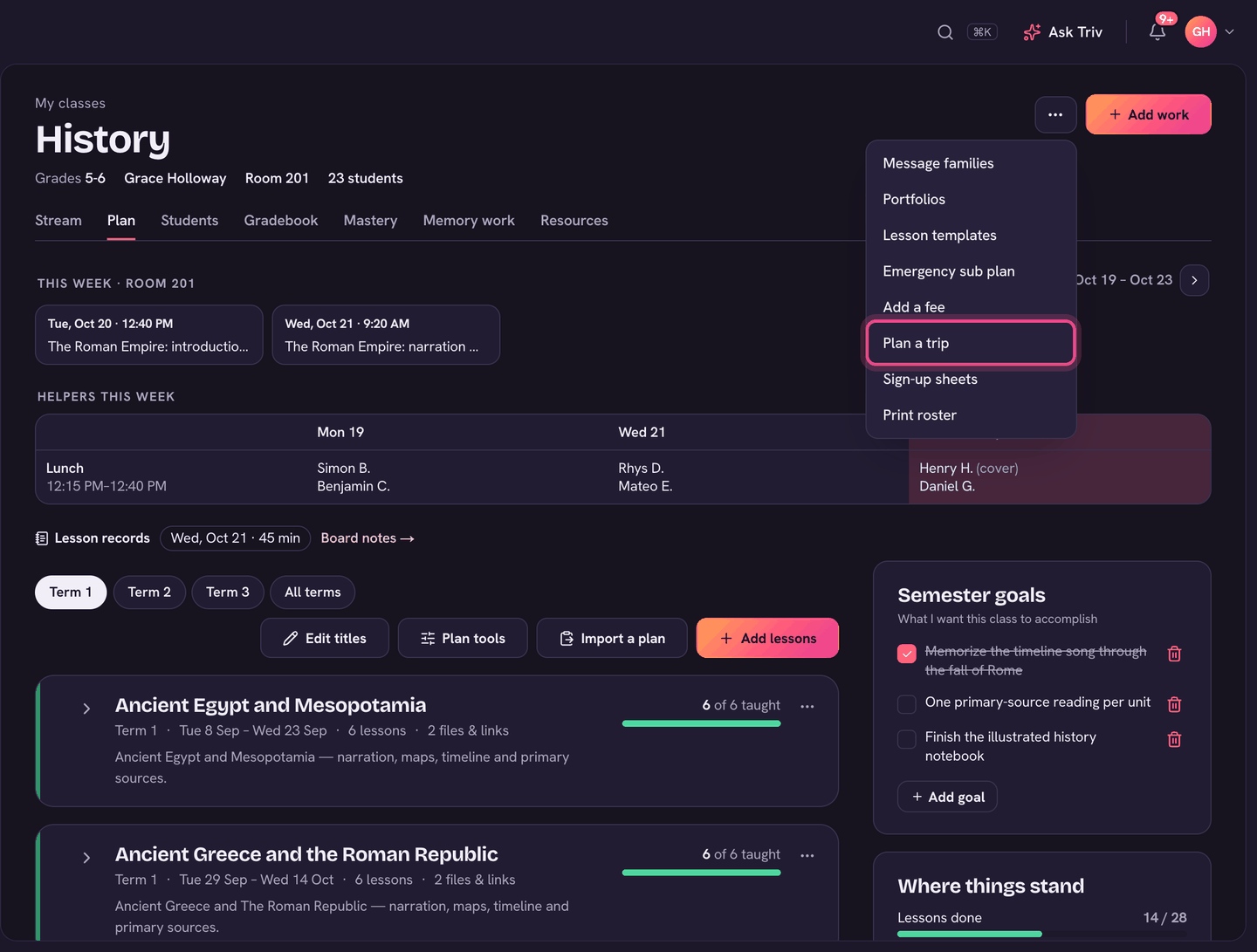
Plan a class trip
- Choose Plan a trip. Give it a Trip and the Day, and if you like when it Leaves and is Back, Where, and a Note for the calendar.
- Tick Families pay for this trip to set a Cost per student and Pay by date.
- Pick a Permission slip if your school has one in Forms.
- Under Going, tick who's going (Select all or Select none to start).
- Choose Plan the trip. Families are billed, sent the slip, and see it on the calendar. If your school wants the office to approve trips first, the button reads Send to the office.
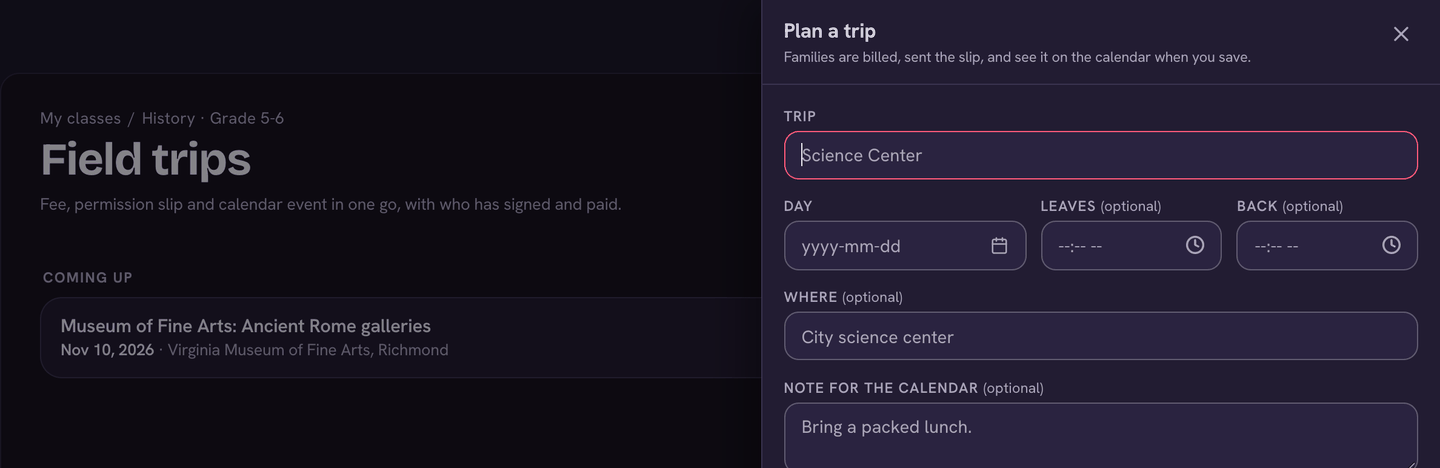
On the day
- Every roll that day (homeroom, class rolls, the sub's Covering today page and the app) starts with the trip's students marked Present and the note On field trip.
- If the trip has a permission slip, only students with a signed slip are pre-marked. Without a slip, everyone going is.
- The trip page shows Who came? on the day. Tick everyone who actually went and choose Mark 5 present (or Update once you've saved). That list then wins over the slips.
- Someone stayed behind? Change their mark on the roll.
Away games, meets and performances
Team and club events that take students out of school during the day work the same way. Set the event to Away, or give it a time under Leaves school at (off-site, in school hours). From that time, players are written onto the school roll as Present, with a note naming the event. An all-day meet is recorded mid-morning, after the morning roll.
- A home game, or a practice or meeting at school, never counts. Neither does anything that leaves after school.
- A student already marked Absent or Excused that day, or whose family reported them absent, is left alone.
- The coach's register confirms it. On the event's Attendance (on the team's schedule), marking a player Present or Late puts them Present on the school roll. Marking them Absent or Excused takes the automatic mark back off.
On the app, the roll pre-selects P for trip students with the trip note. Coaches take the team register from the event's Attendance on the team screen.