Set up houses under Houses → ⋯ → Manage houses, where you name the houses, sort students in, and set point categories. Award points from the top of the Houses page, a class roster or a student's profile; the leaderboard tallies the House Cup overall and per term.
- Open Houses, then ⋯ → Manage houses, and turn on House system enabled.
- Name your houses and set up your point categories — each one either awards or deducts points.
- Sort students into houses by hand, or choose Auto-sort (siblings together); decide whether to Re-sort students every year.
- Award points with Award points at the top of Houses, from a class roster, or from a student's ⋯ menu — pick a category and the students.
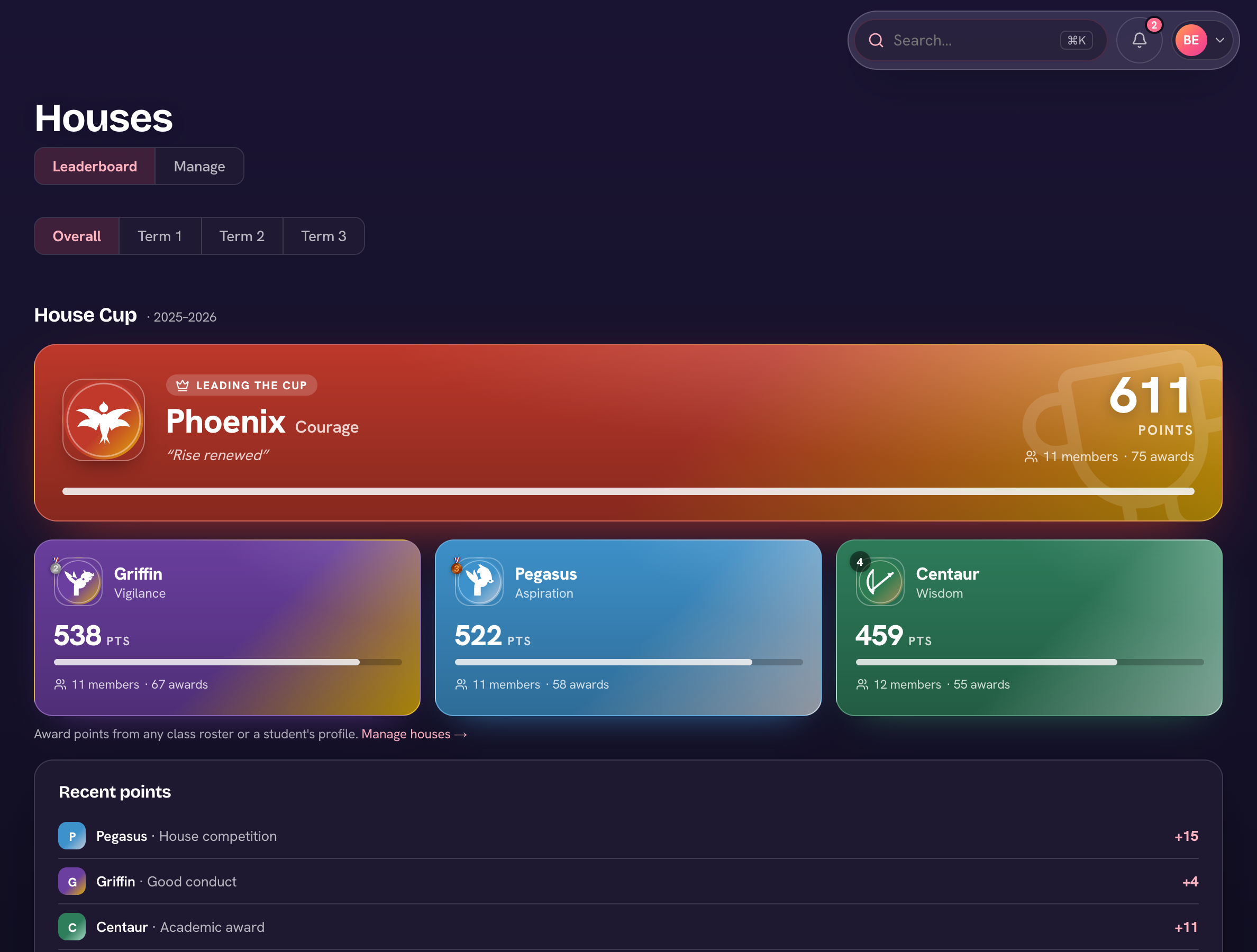
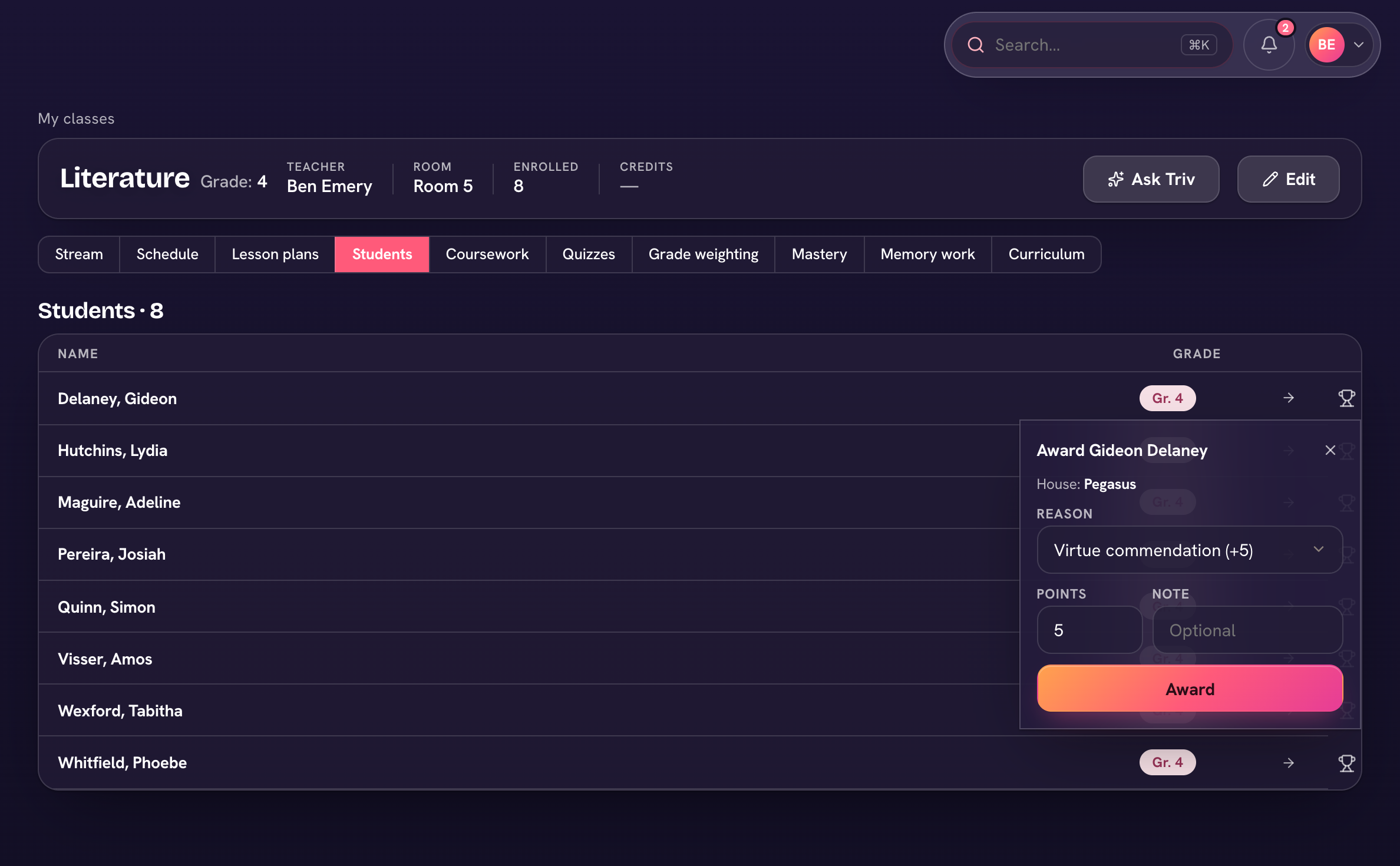
Categories can deduct as well as award (demerits). Some points can be granted automatically — honor roll, academic awards, character and good conduct (see Automatic house points) — and Class Trivia can post points too.