Every house ships with default artwork, but nothing beats your school's own heraldry. Upload a crest per house and it shows on the leaderboard and house pages.
- Open Houses, then ⋯ → Manage houses, and choose Edit on a house.
- In the slide-over, under Crest image, choose a file — JPEG, PNG, or WebP up to 2 MB.
- Save. The crest replaces the default artwork wherever the house appears.
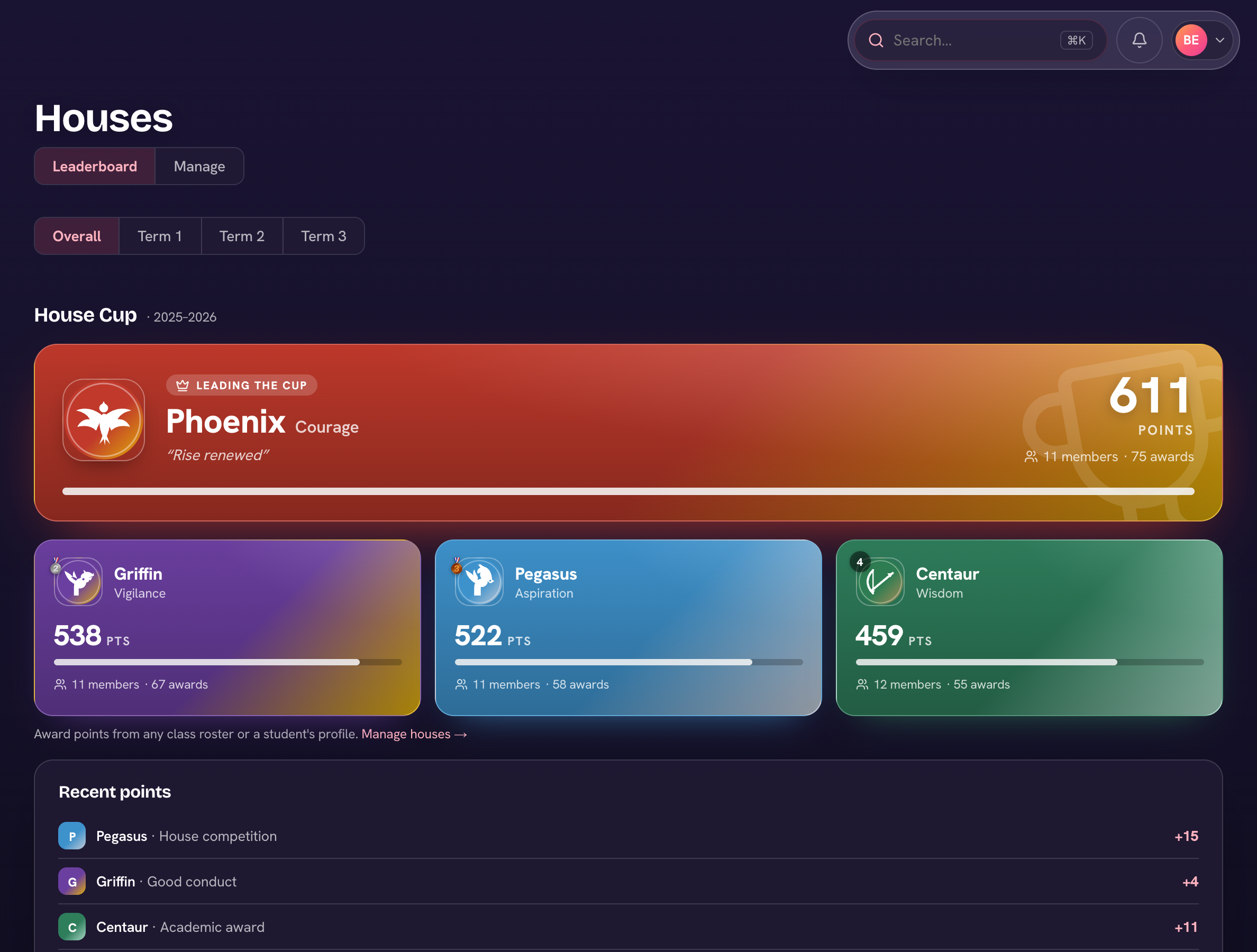
Change your mind later by uploading a replacement, or tick "Remove the current image" to fall back to the default artwork.
A square image with a transparent background (PNG or WebP) looks best on the leaderboard tiles.