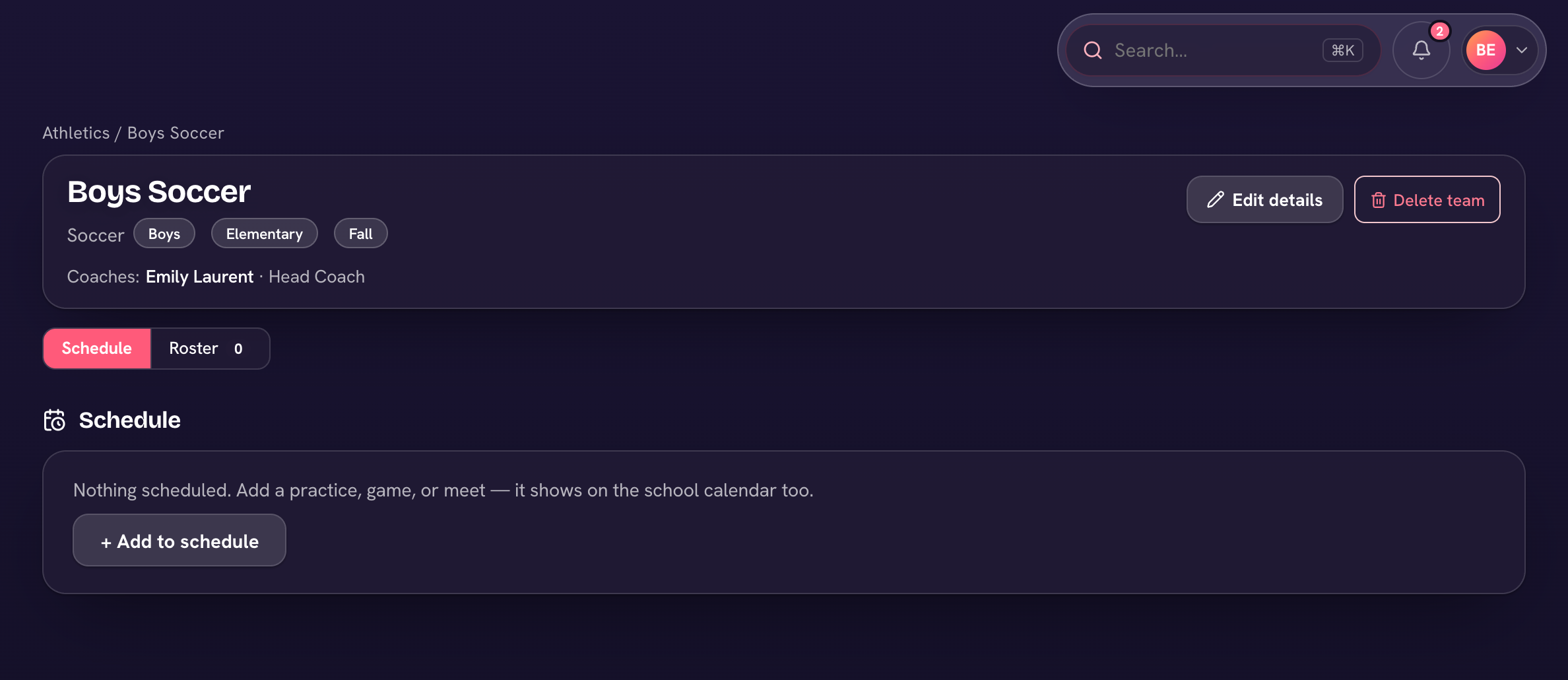
Teams & clubs (in the sidebar) holds every sports team and club. Each has a Schedule tab and a Roster tab, a notice board families can see, and an optional sign-up link for parents. Teams can also suggest eligibility from grades and conduct and bill fees through Finance.
- Open Teams & clubs and choose + New team or club; add coaches and a roster.
- Add games, meets and practices on the Schedule tab.
- To let parents sign up, turn on Open for sign-ups (under Parent sign-ups, above the tabs) and use Copy link — children who are signed up join the roster straight away.
- For a team, send the consent form from Forms, then on the Roster tab choose Sync signed consent. Suggest eligibility from grades & conduct flags anyone to review as Eligible, Probation or Ineligible — then Apply the changes.
- If the team has a fee, Charge team fee creates draft invoices for every family on the roster, which you review and issue from Finance.
Cleared to play (top of Teams & clubs) lists every athlete against what your school needs before they compete. An administrator decides what that is under Cleared to play → Rules: which checks count (consent, a physical, the health & contacts check, the team fee), how long a physical lasts, whether probation also blocks, your own requirements such as a concussion baseline or code of conduct, and the grade and conduct lines Suggest eligibility uses — or turn on Update standing automatically every night. A team can switch any rule on or off for itself in Edit details → Clearance for this team. Clearance is a checklist, not a lock: coaches can still take attendance for anyone.
For a single meet or trip, give the event an Entry fee, tick who's going, and choose Charge entry fees — only those families are billed (again as drafts in Finance; an administrator does the charging).
Add a note for the team or club — practice moved, bring a jersey — and it shows above the tabs and to families on their child's Teams & clubs. Clear it and save to take it down.